Tainan 400
GPS-Based Educational Mobile Game
Transforming history learning into an outdoor interactive experience, guiding users to actively explore and complete tasks rather than passively reading or following guided tours.
ROLE
Lead UX/UI Designer
Responsible for the overall interaction flow and visual interface, working closely with the team and educational stakeholders to translate historical learning objectives into a practical digital experience.

Co-planned gamified learning flows and task structures

Designed user flows and interaction logic

Established visual style and UI system

Supported development to bring the product to launch
TIMELINE
6 months | 2024
SKILLS
Figma, Adobe XD, Illustrator, Photoshop, HTML, CSS, JS
IMPACT
User engagement exceeded government expectations during the 3-month event period
Completion rate of the full learning experience during the event period.
Gov adopted
Integrated into Tainan’s official elementary school outdoor education curriculum
Incorporated into Tainan’s official elementary school outdoor education curriculum, reaching nearly 100,000 students
PRODUCT OVERVIEW
Tainan 400 is a city-wide initiative covering eight areas including education, culture, sports, and healthcare. This project developed an outdoor educational mobile game for the initiative, where participants move through designated locations via their phones and unlock tasks and interactive content at each site. The experience is open to the public, with elementary school students as the primary users. Through exploration and task completion, users gradually engage with local history. The system integrates GPS positioning, AI interactions, and task challenges to guide users through learning activities in real-world settings.
Users need to:

Locate task points on the map

Travel to designated spots to unlock content

Complete interactive tasks

Progress through learning objectives step by step
Because the system runs entirely outdoors, design had to account for GPS inaccuracies, network instability, and environmental interference. Users also needed to operate the interface while on the move, so everything had to be quick to understand and easy to use on the go.
GOALS
Children
Fun, Immediate Feedback, Accessible
Education
Factual Accuracy, Learning Results
Government
Safe, Educational Value
INSIGHTS
In the early design phase, we consulted with museum staff and educational researchers to understand learning goals and curriculum requirements, gathering feedback on interaction flows and task structure. We also mapped out real-world constraints in the outdoor setting, including GPS accuracy, network connectivity, and site-specific interference, which informed the direction of subsequent iterations.
DESIGN PROCESS
I was primarily responsible for:
Flow Design: Breaking historical content into gamified tasks and challenges
Interaction Logic: Defining the sequence of exploration, task unlocking, and completion, including interface feedback at each step
Visual Design: Building the visual style and UI system to support intuitive, readable outdoor use
Cross-Team Collaboration: Working with development and content teams to address technical constraints and educational requirements
The initial design was built around the “Exploration + Task Challenges” concept.
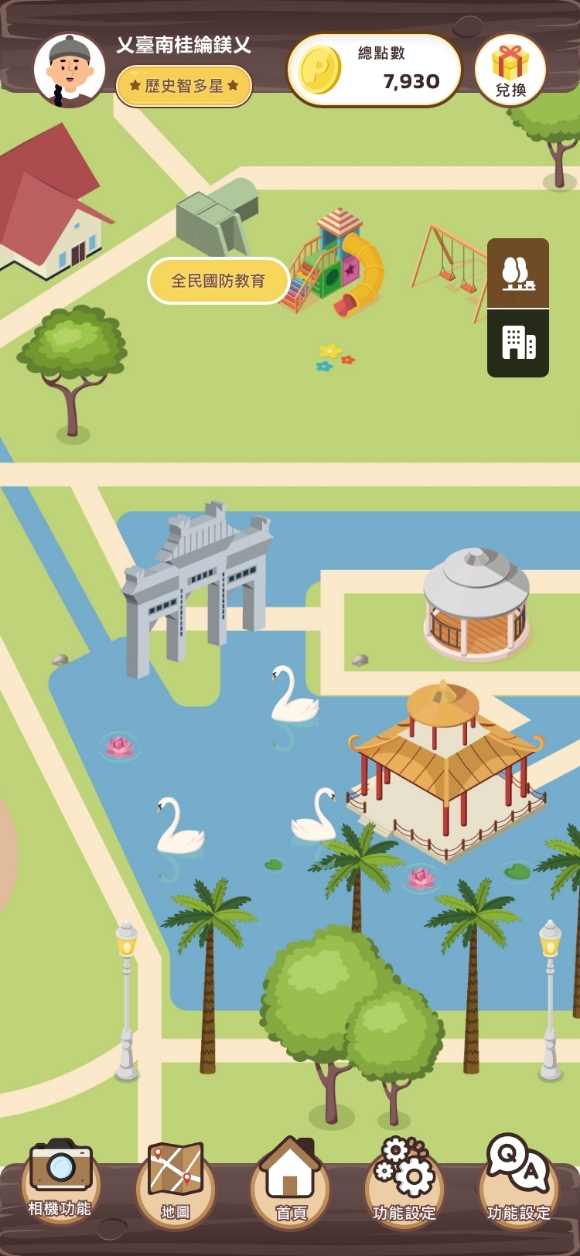
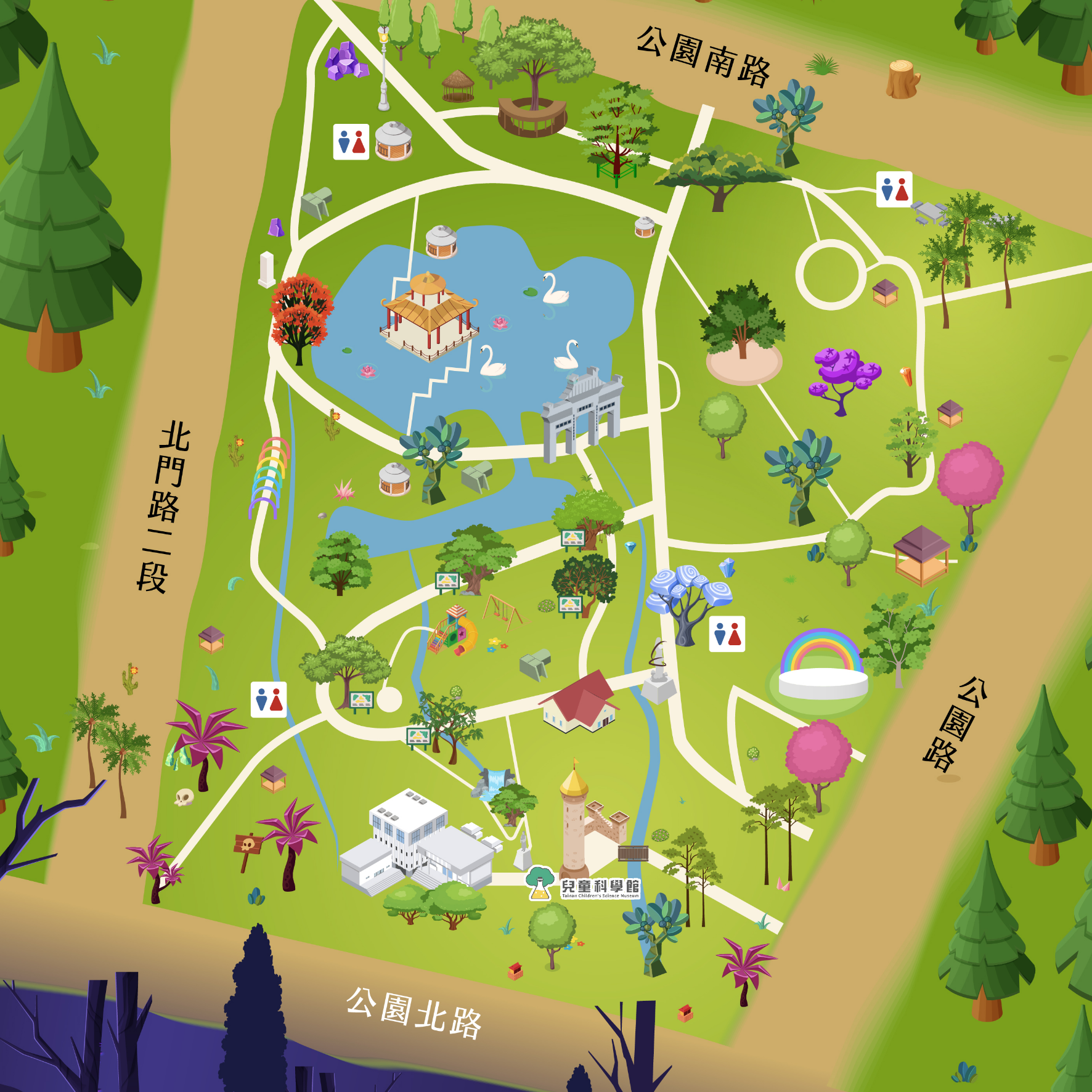
Users explored a map that corresponded to real-world locations via GPS
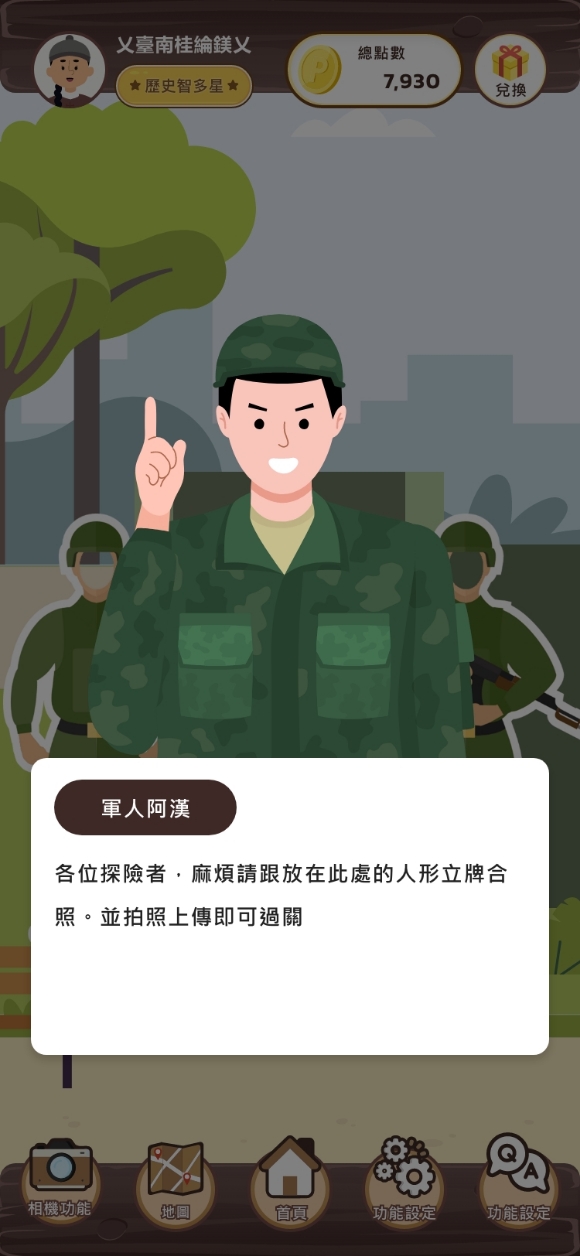
Most interactions were screen-tap based
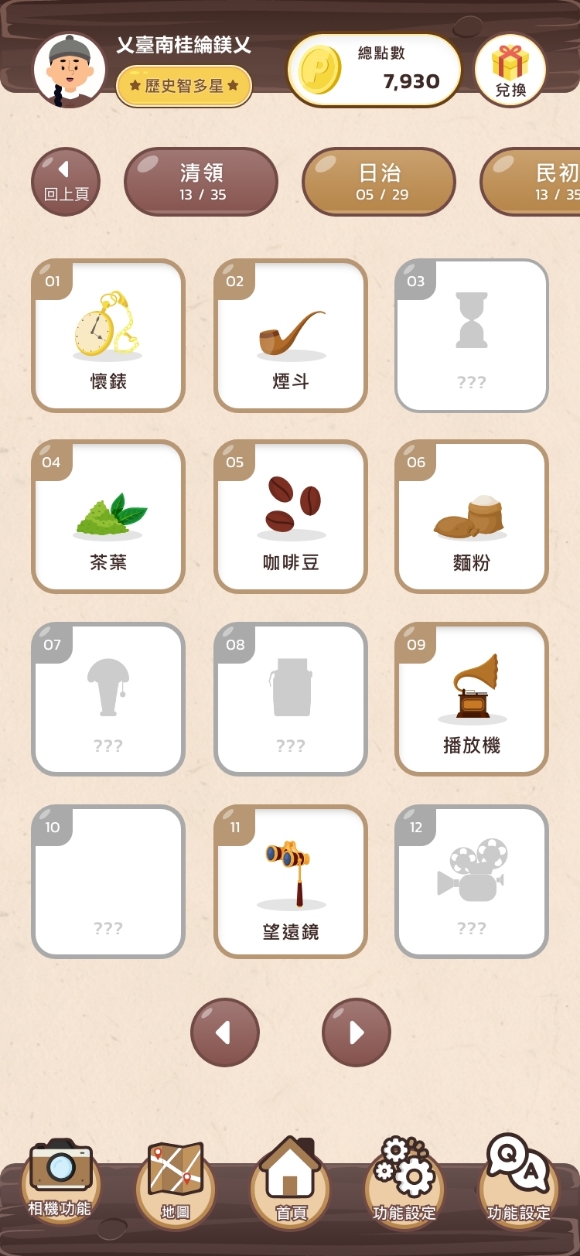
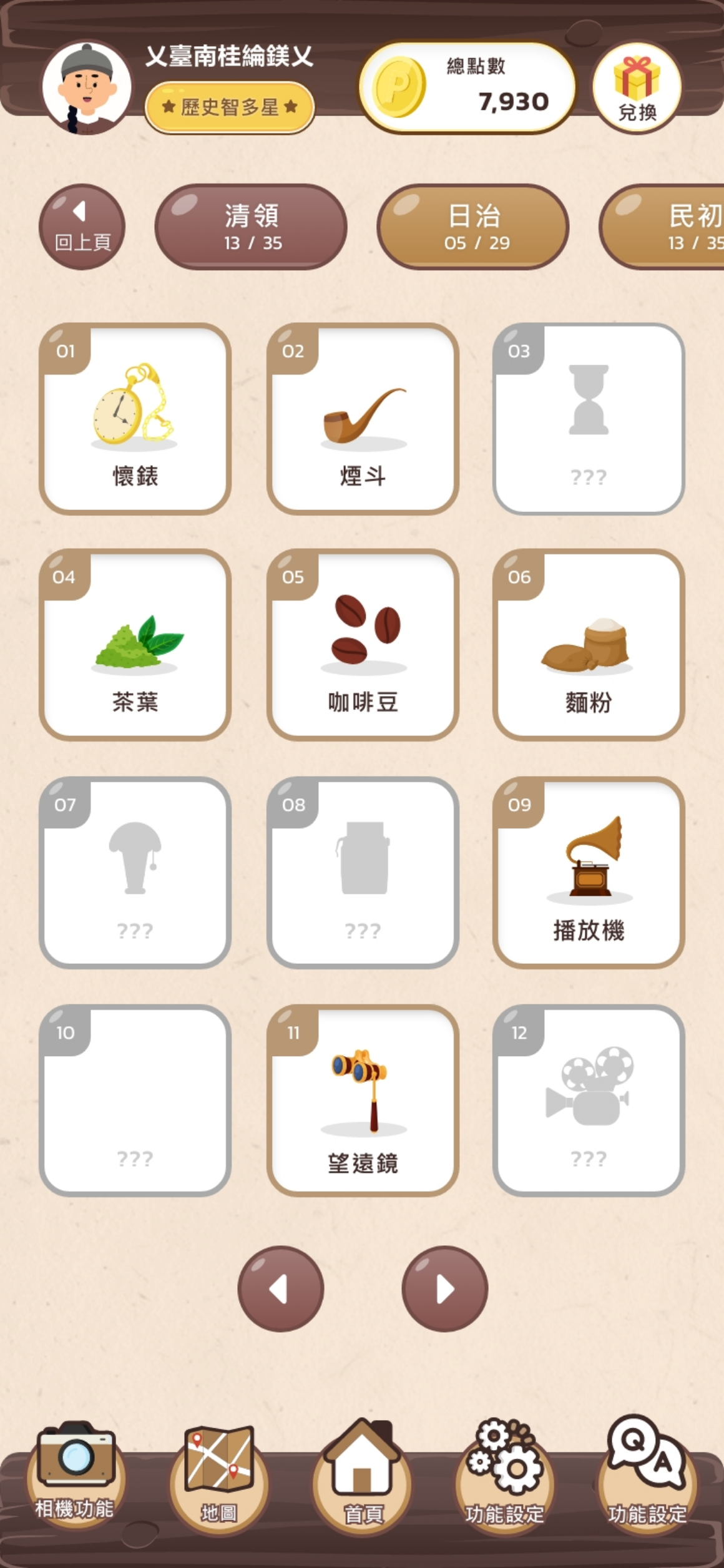
Completing levels on the map unlocked items from the corresponding historical period
- Users explored a map that corresponded to real-world locations via GPS
- Most interactions were screen-tap based
- Completing levels on the map unlocked items from the corresponding historical period
After the client demo, parts of the interaction flow needed to be rethought.

Static content, similar to traditional textbooks and museum displays, couldn’t hold this age group’s attention. We were building a digital textbook, not an engaging experience.

Challenge
The client and educational partners wanted to rethink the interaction model to better align with curriculum goals and learning needs.
Constraint
The timeline was tight. We needed to move fast on a significant redesign while keeping the experience understandable and motivating for users.
Iteration focus:
Maintaining motivation and educational value
Based on client and educator feedback, we reworked the interaction model to ensure users could follow along, stay engaged, and build on what they were learning
Improving task flow clarity
We reorganized task sequences and prompt designs, simplified steps, and made it easier for users to quickly grasp each objective
We decided to rapidly develop 3 prototype levels showcasing different interaction types for a second client demo, to validate the direction of interactive learning and demonstrate its educational value.

Creative Interaction
Testing haptic feedback and creative participation
Physical Interaction
Testing physical engagement

Real-World Interaction
Testing the appeal of outdoor exploration and real-world interaction
Second Version Design
We quickly developed 3 prototypes showcasing different interaction types:
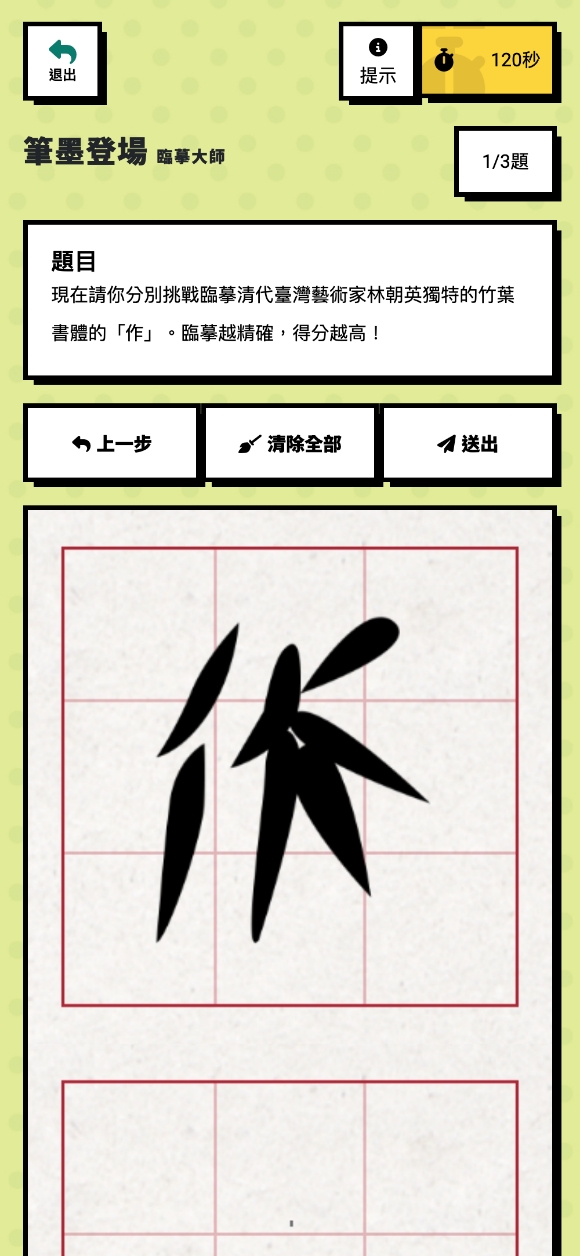
Calligraphy Writing
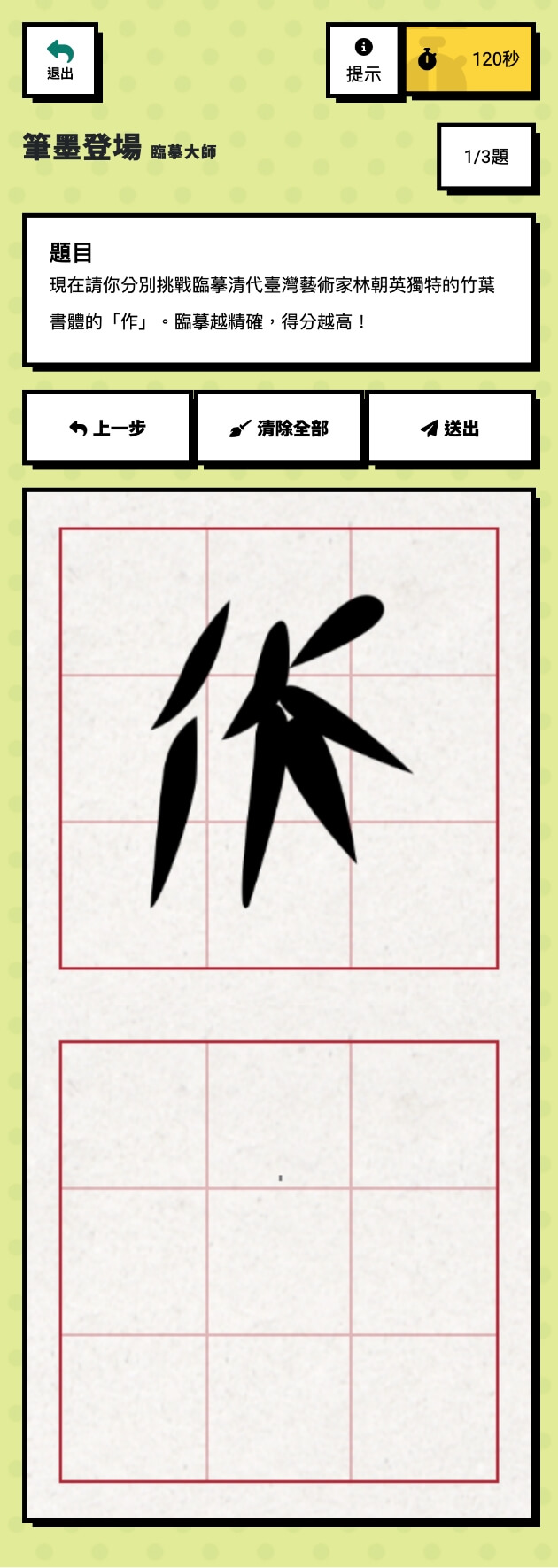
Traced historical characters on the screen, turning learning into a hands-on creative activity.
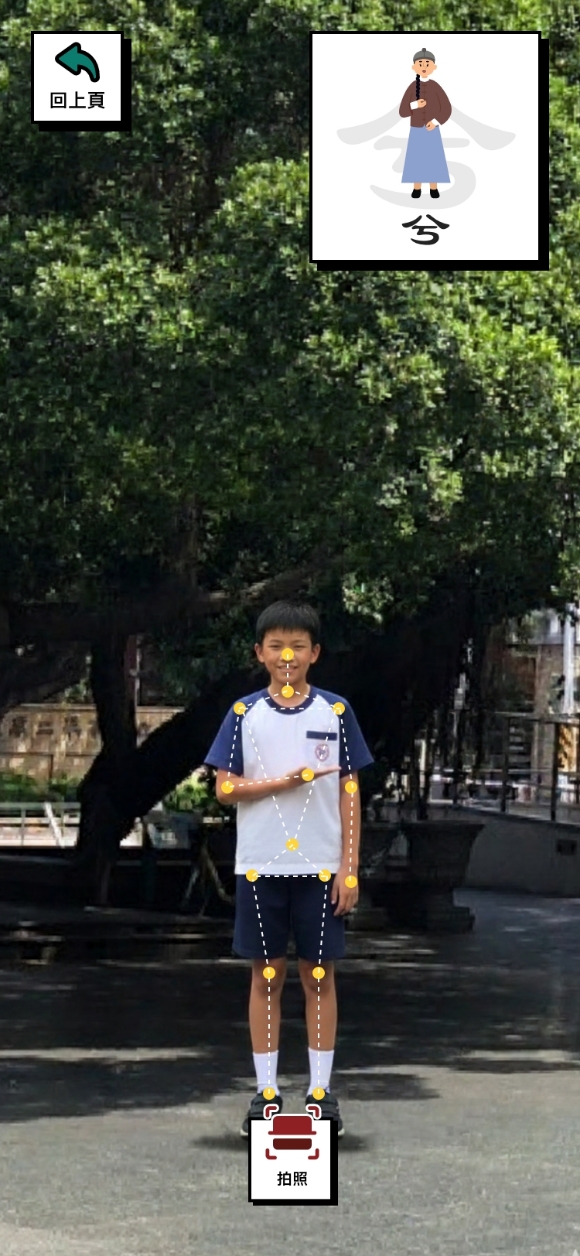
Motion Recognition
Performed physical actions to complete tasks, creating a more engaging learning experience.
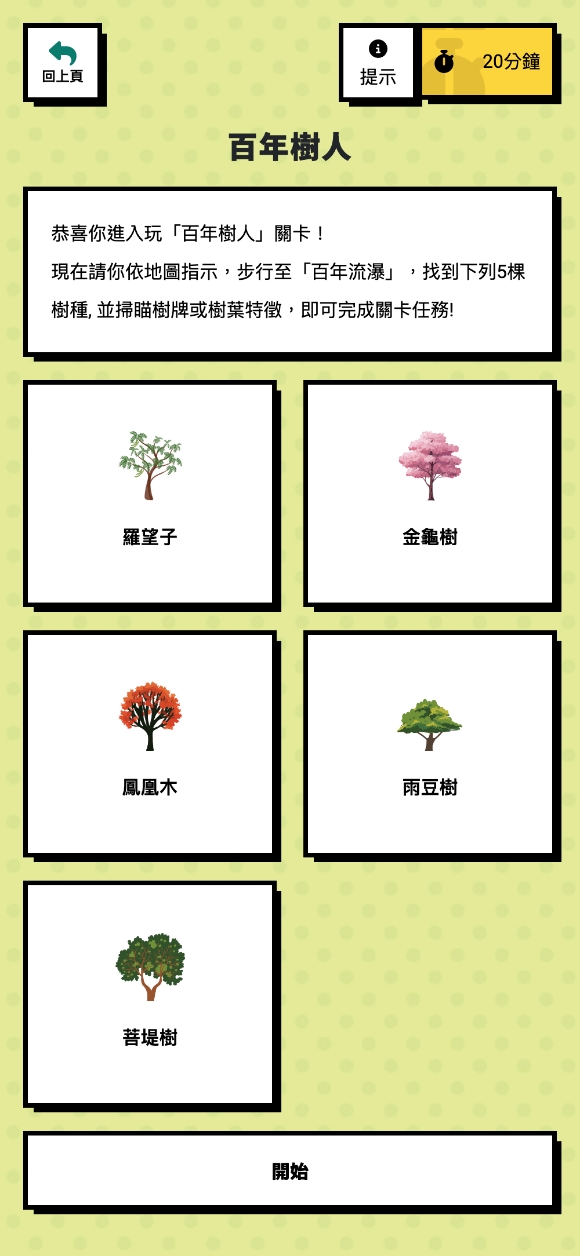
AI Recognition
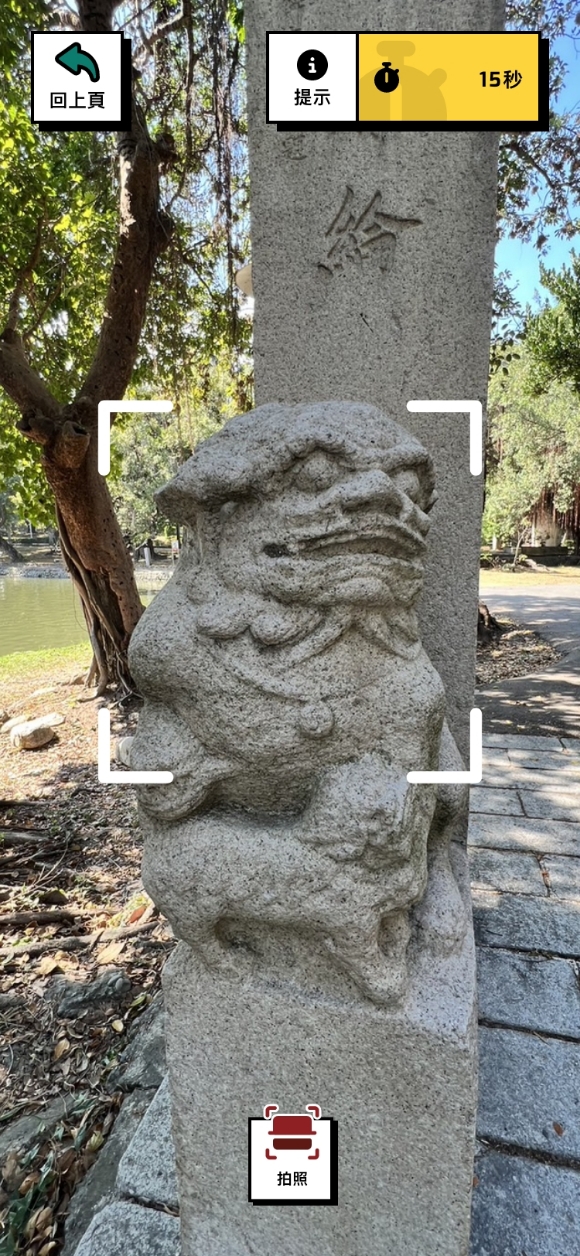
Explored real-world locations and used the camera to identify historical objects in the environment.
Calligraphy Writing
Testing haptic feedback and creative participation
Motion Recognition
Testing physical engagement
AI Recognition
Testing the appeal of outdoor exploration and real-world interaction

Design decision: Diverse interaction
Varied interaction types keep users engaged and reduce the fatigue that comes from repeating the same input patterns

Design decision: Simplified task flow
We streamlined task sequences and prompt designs to reduce cognitive load and help users complete tasks without getting lost.

Static content failed to engage. Interactive mechanics transformed passive learning into active play. Fully pivoted to interactive design, investing in an approach that truly achieved educational objectives. Result: Secured stakeholder approval.
DESIGN PROCESS
Version 1
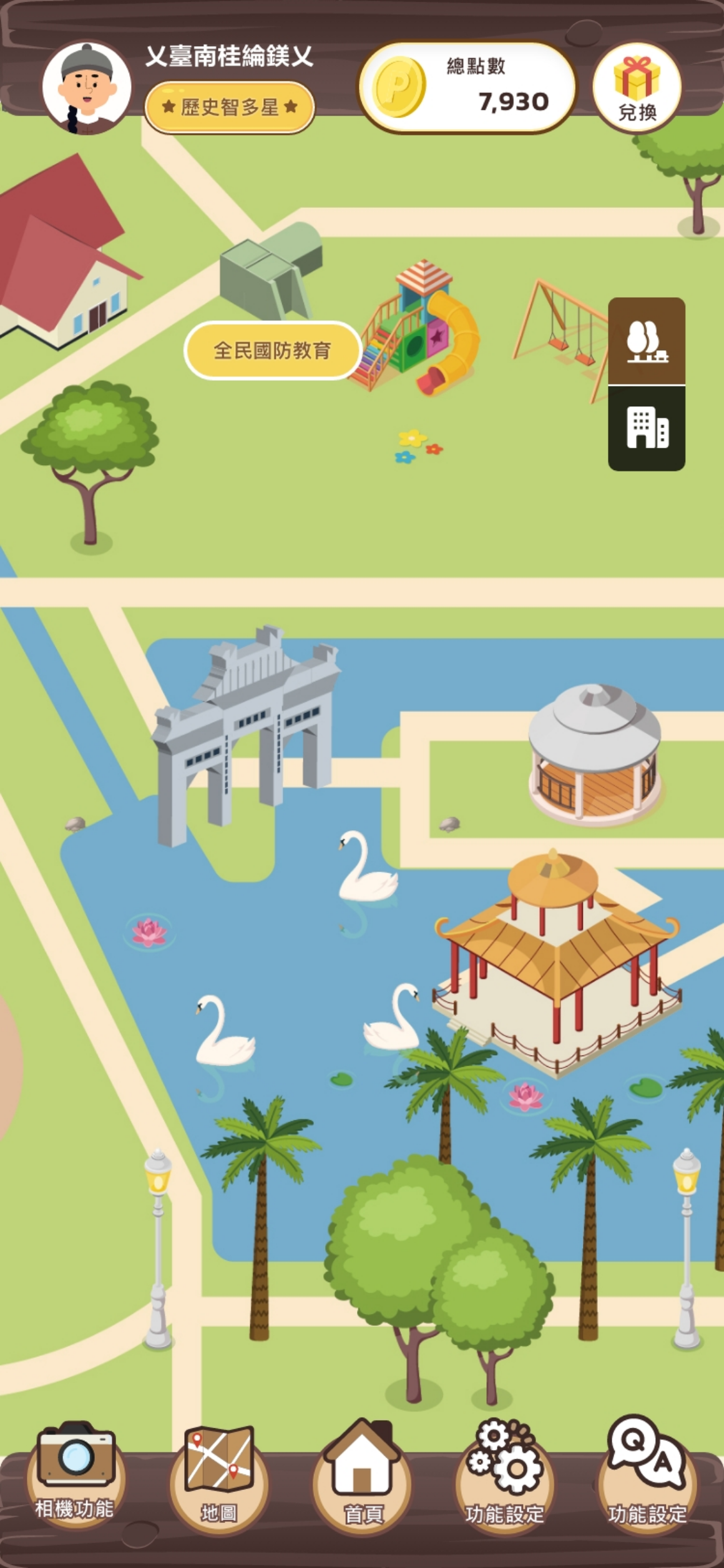
Version 2
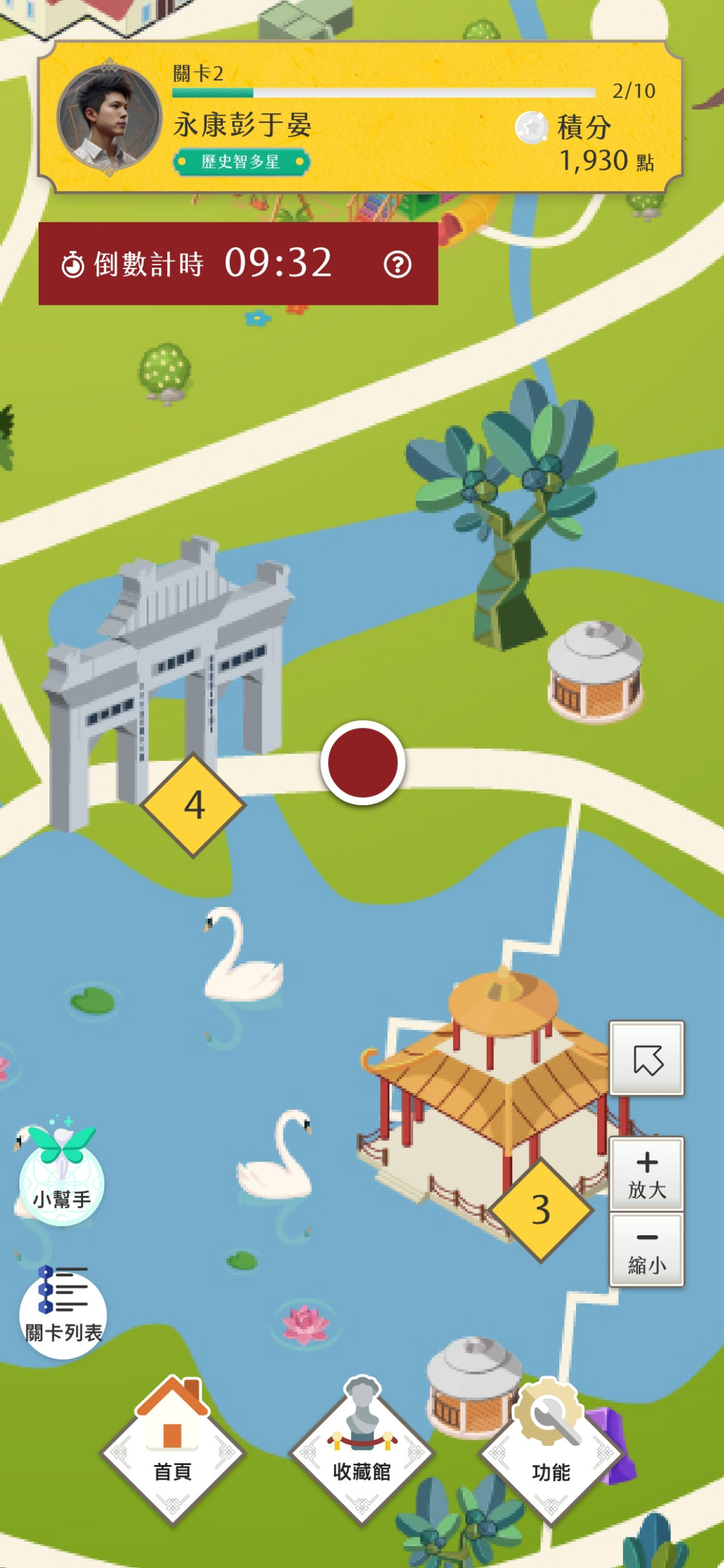
Version 3
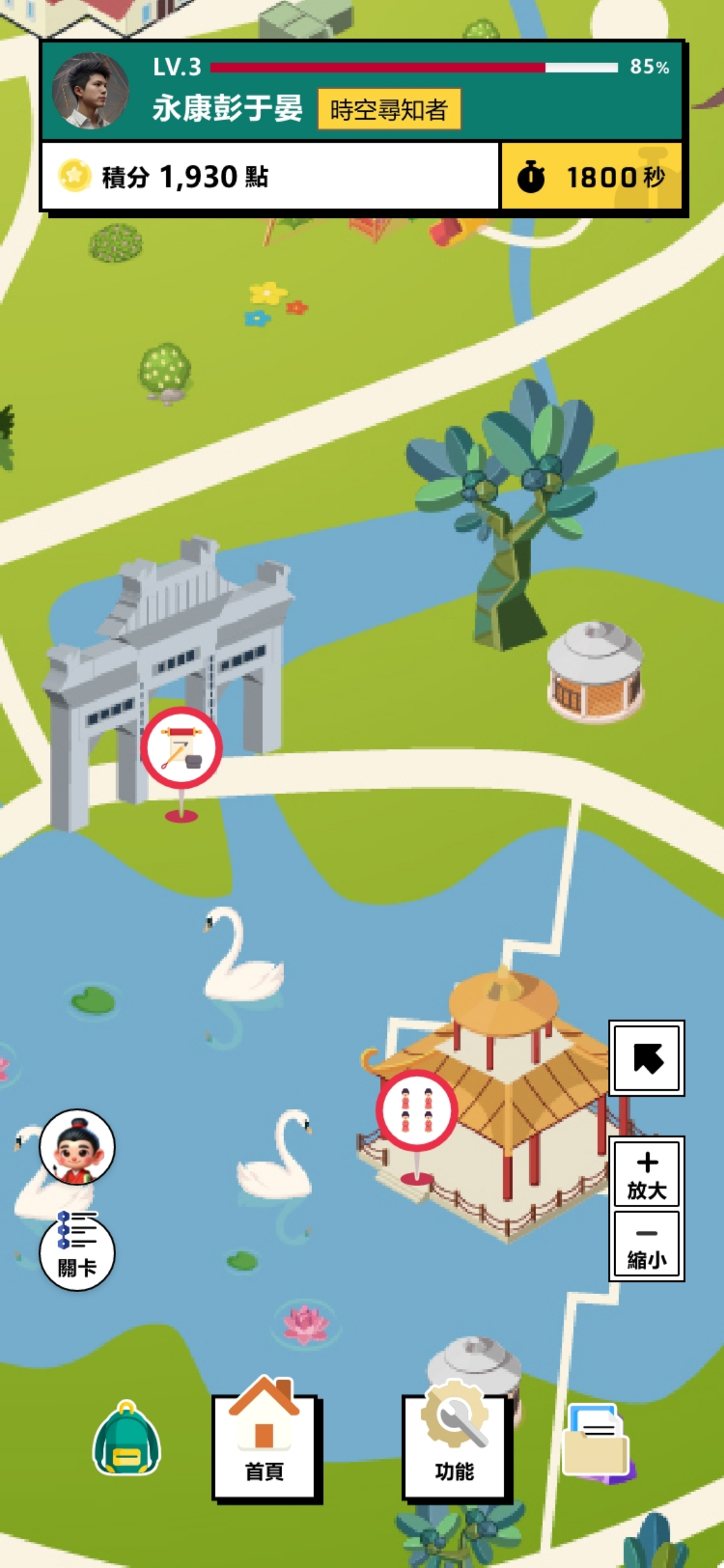
Version 1
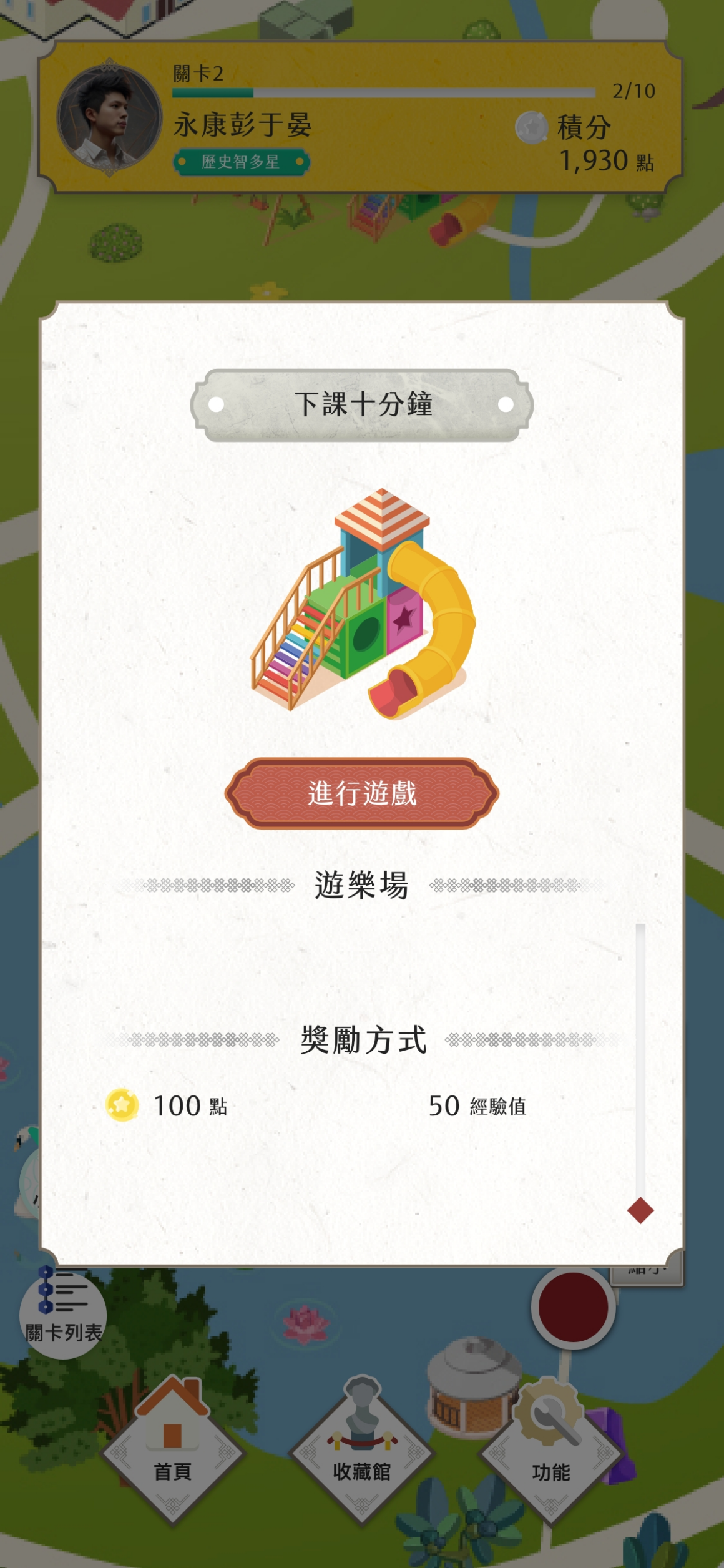
Version 2
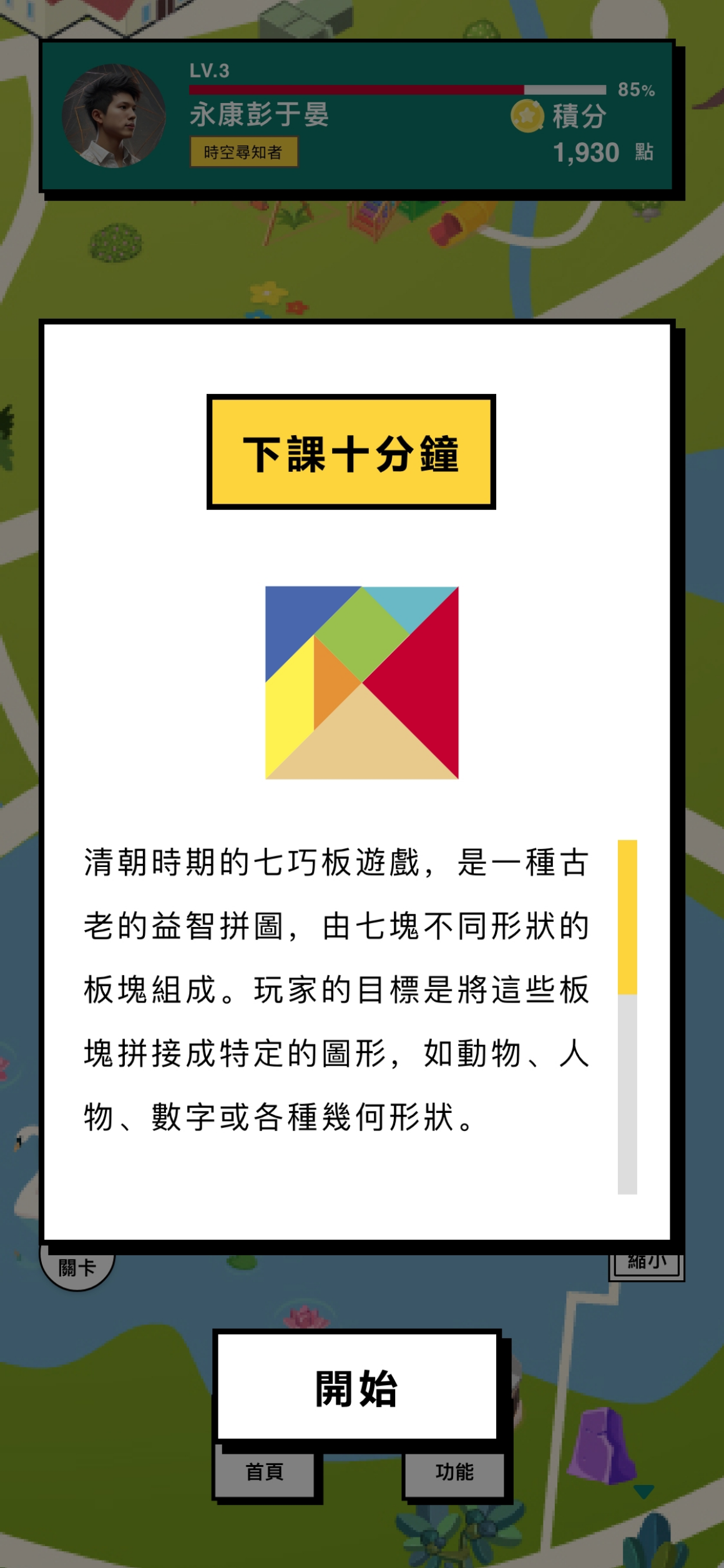
Version 3
Game Map Version 1
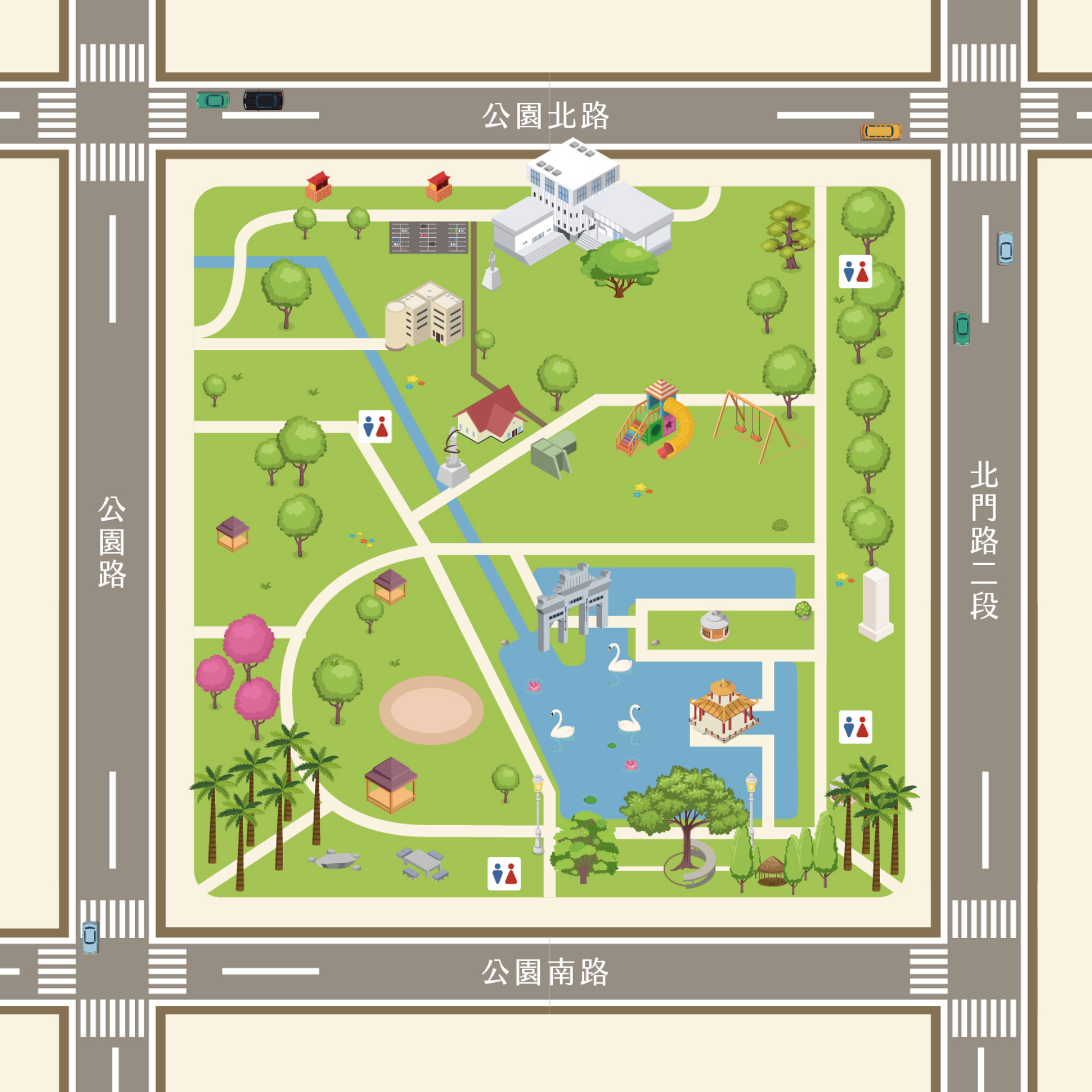
Game Map Version 2
DESIGN
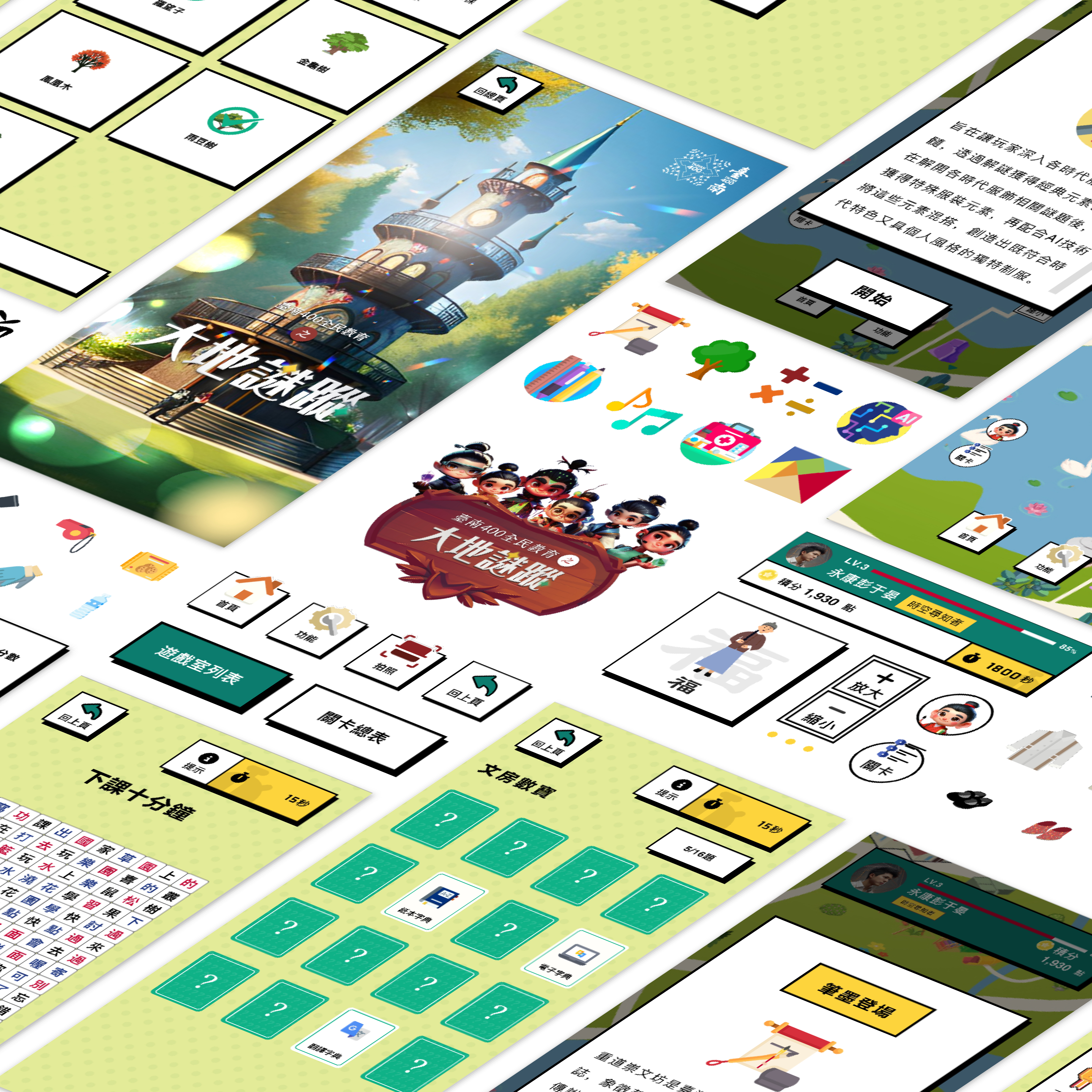
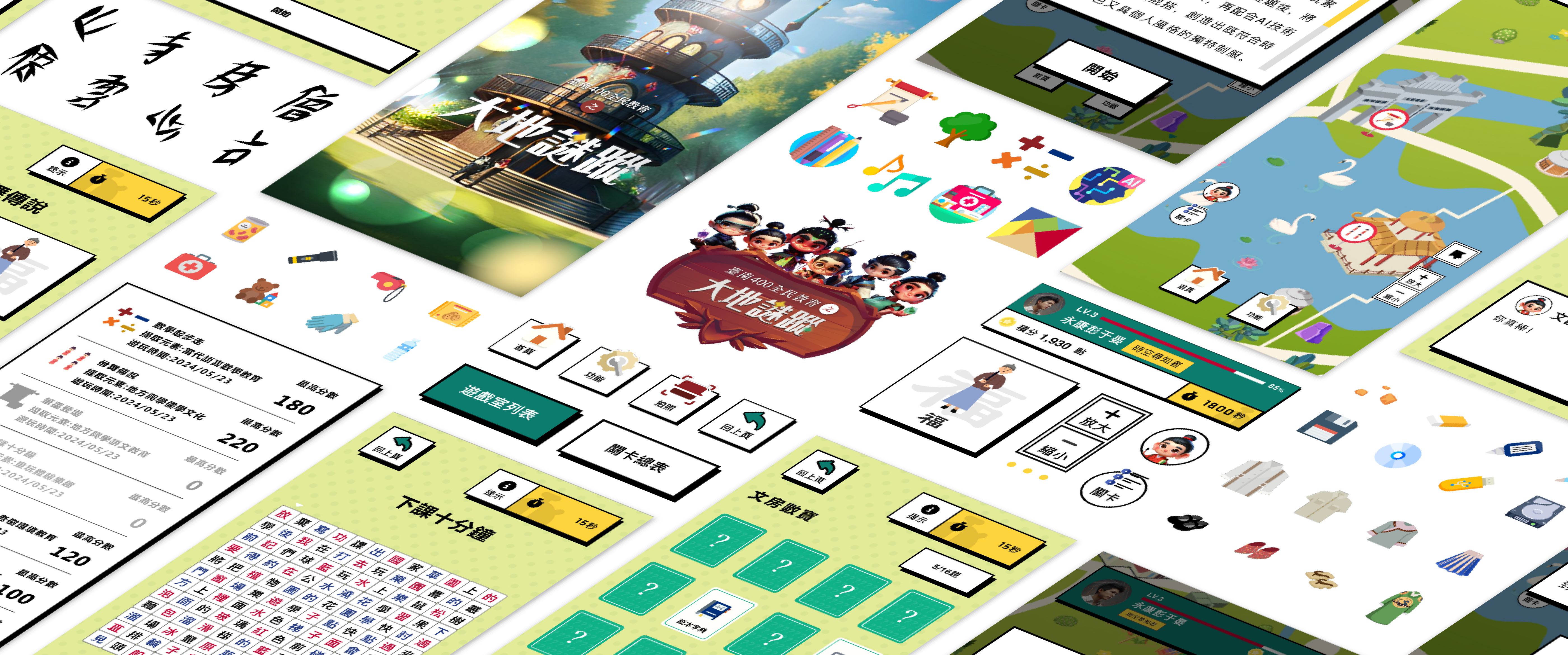
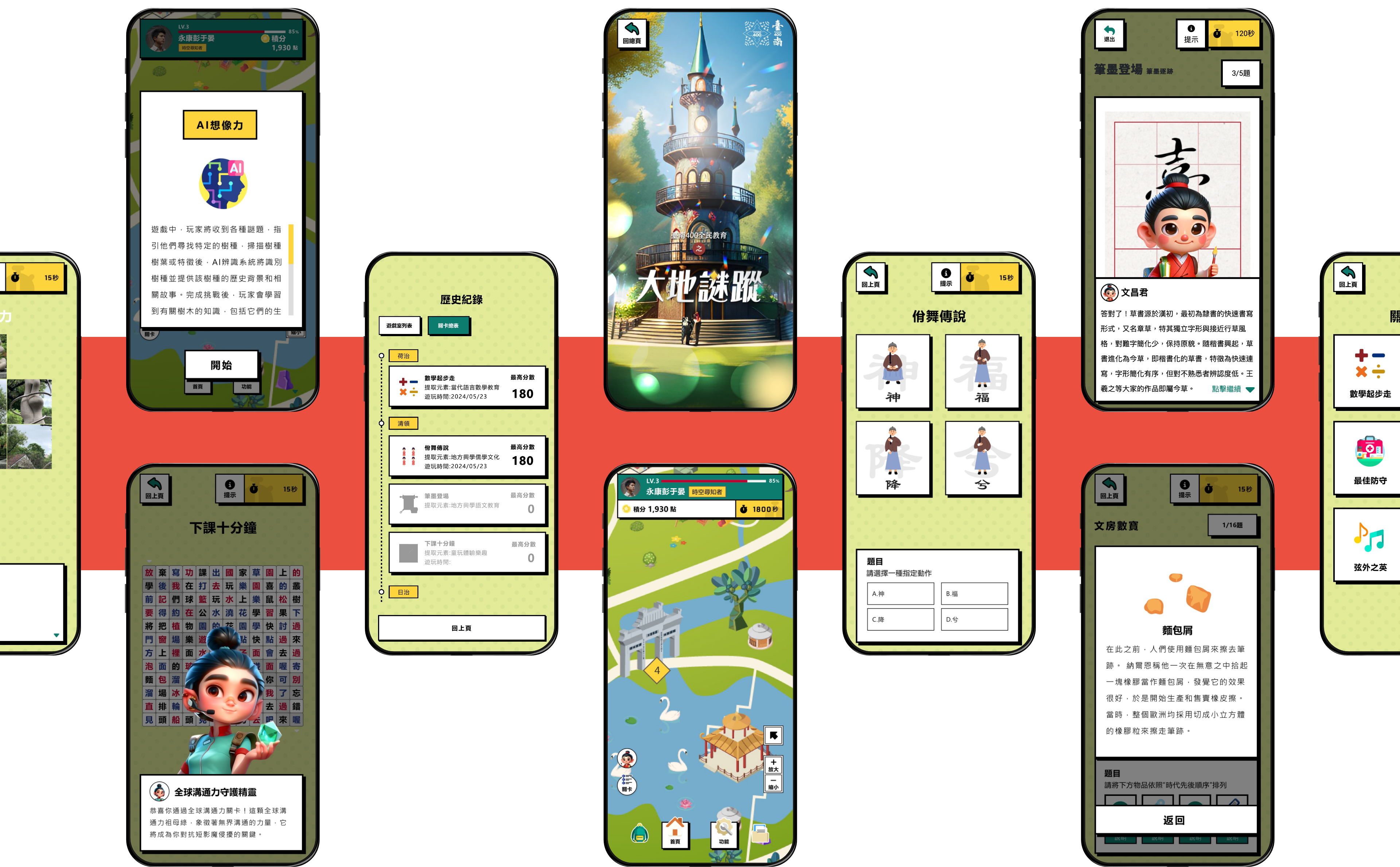
Building on insights from the second iteration, we established a comprehensive design framework and scaled interactive design across all 10 levels.
Core Design Principle - Diverse Interaction to Prevent Fatigue
We designed the most appropriate interaction method for each historical theme, ensuring every level
offered a fresh experience.
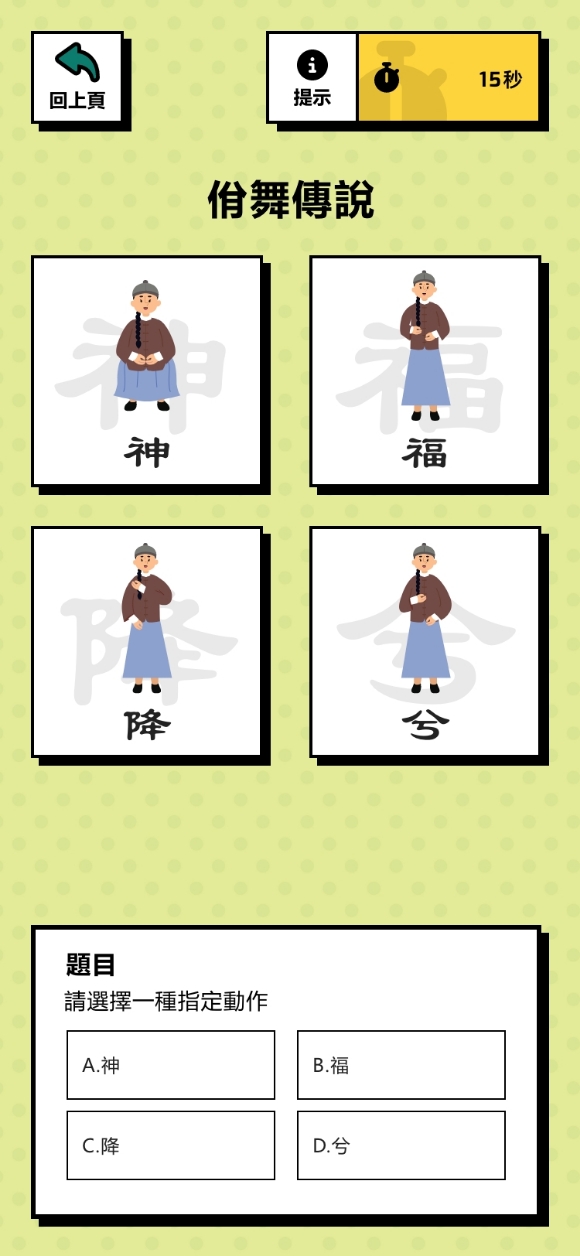
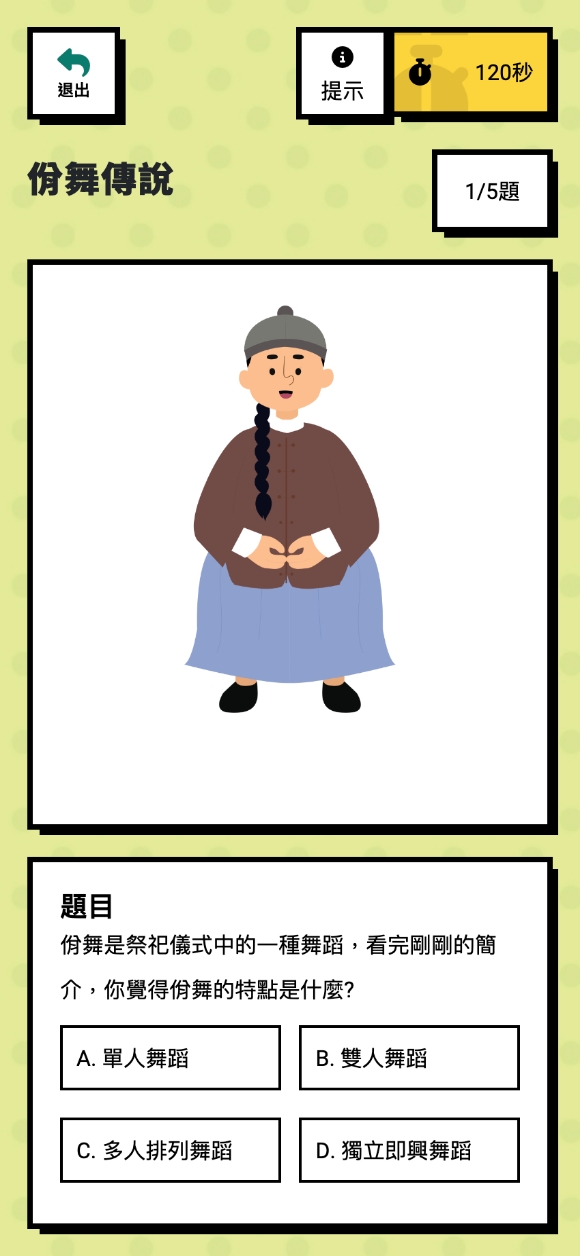
Yi Dance of Tales
Yi Dance is a kind of group dance that combines the traditional arts of ritual, music, and dance. Players will experience the wonders of Row Dance and learn the movements that symbolize honoring the gods, praying for blessings, and utilizing the motion recognition features and program to determine the correct rate of the player’s action.
Chinese Text History
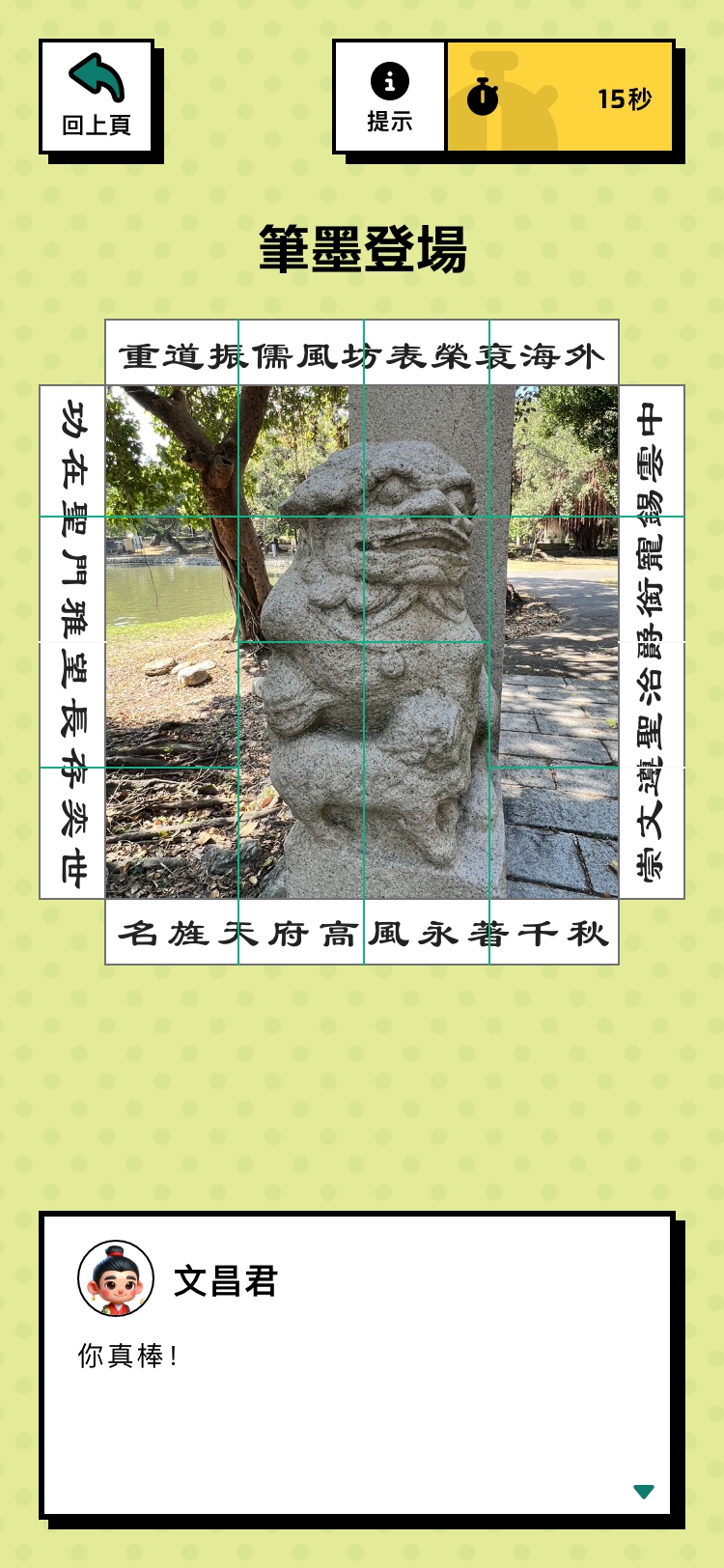
Learn to copy the “Bamboo Leaf Calligraphy” of the Qing Dynasty artist Lin Chao-Ying and study the styles and meanings of various ancient fonts.

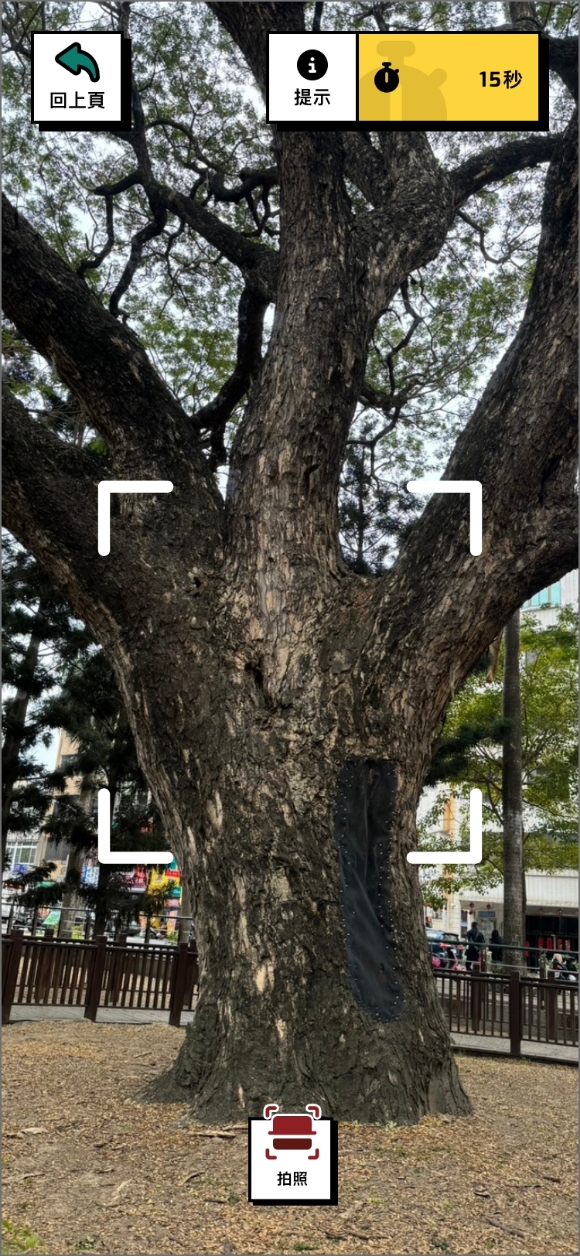
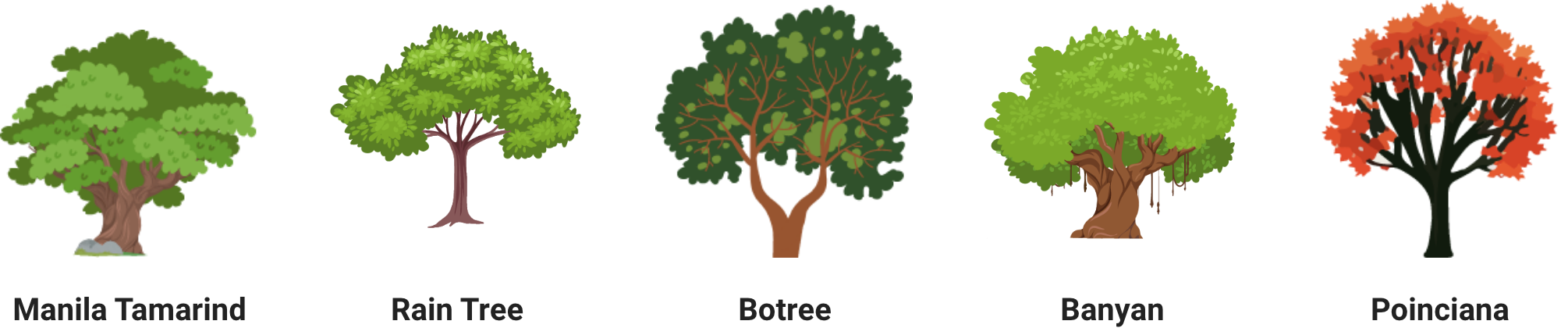
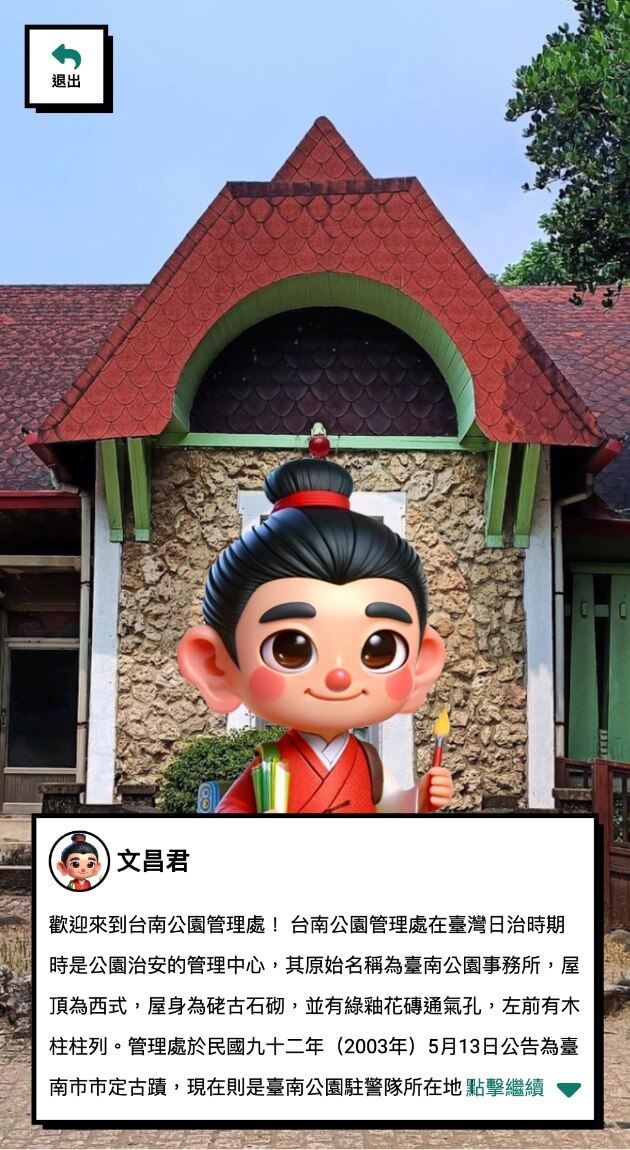
Identification of Trees
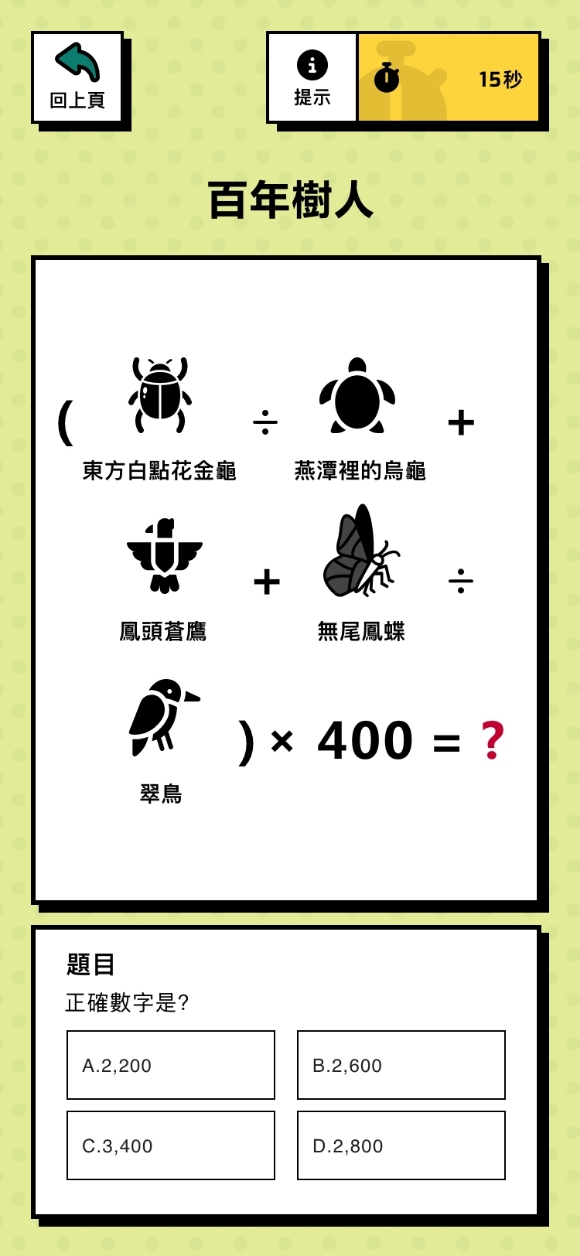
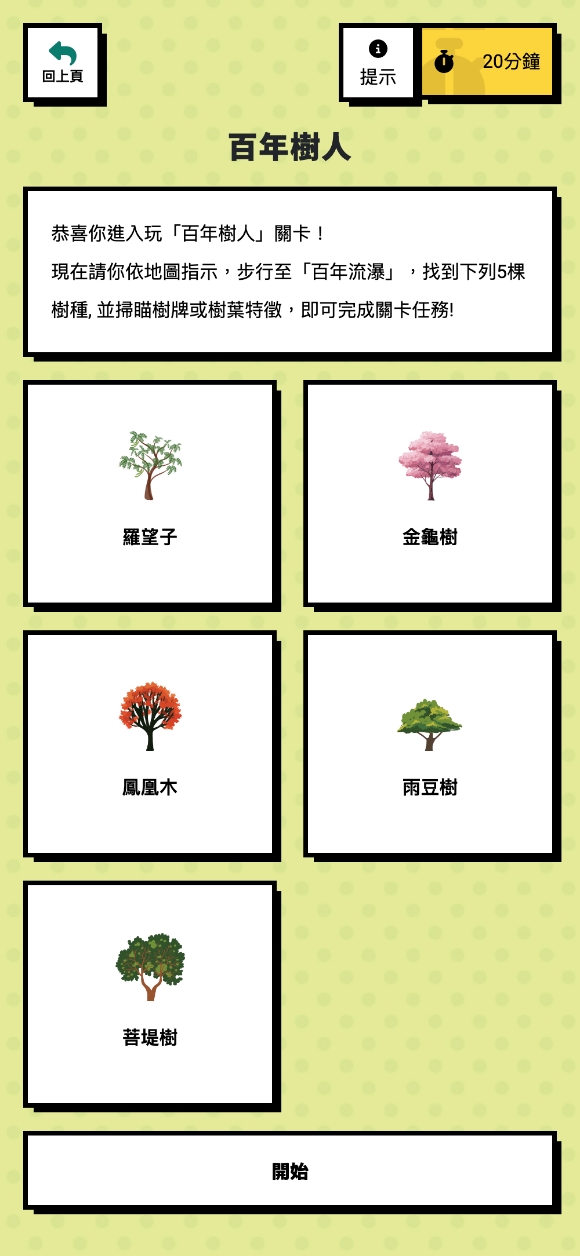
Explore Tainan Park and follow the instructions to find specific tree species. Scanned by the camera, the program determines if the player has found the correct tree species.
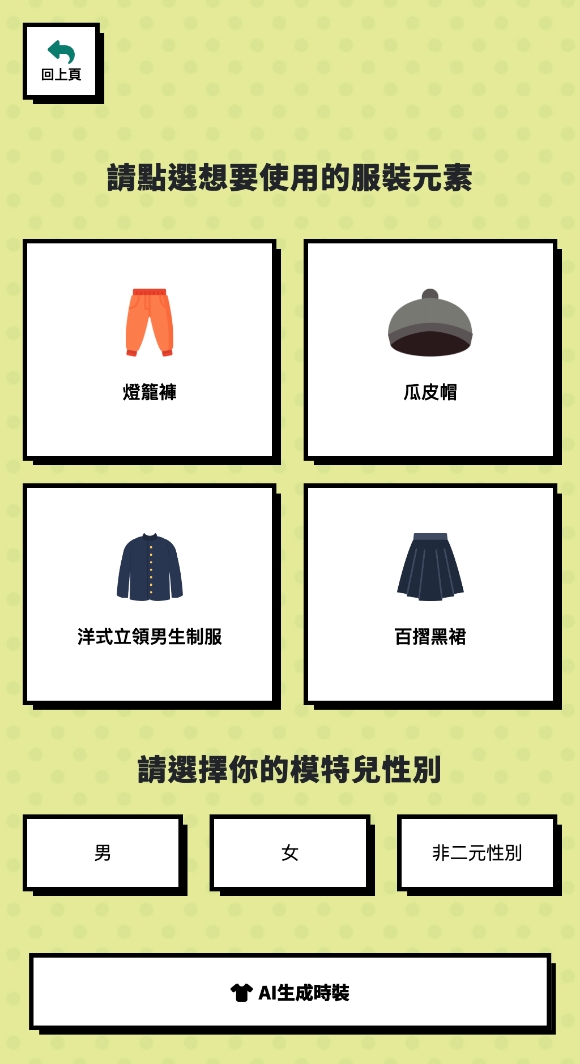
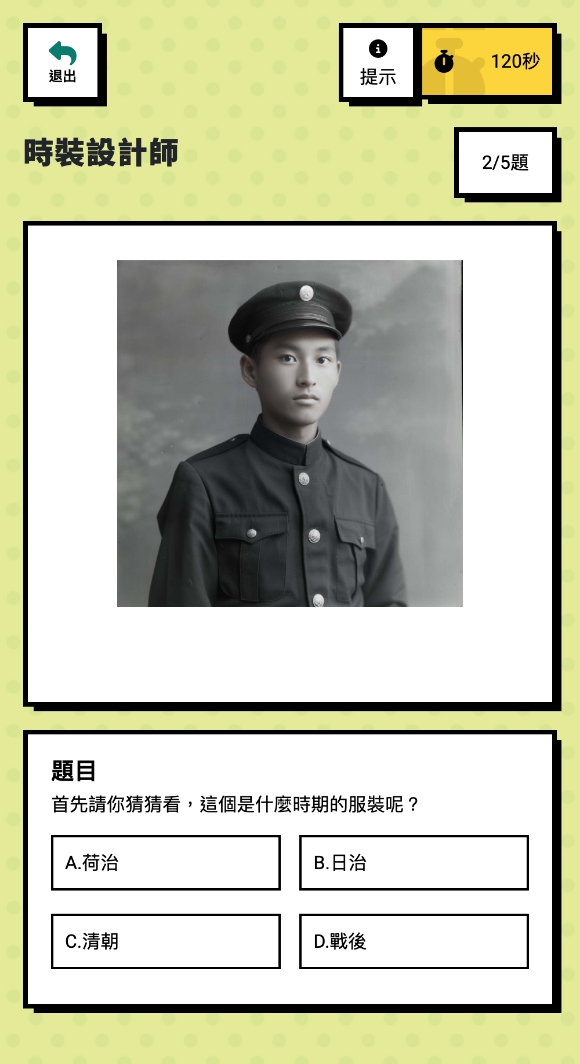
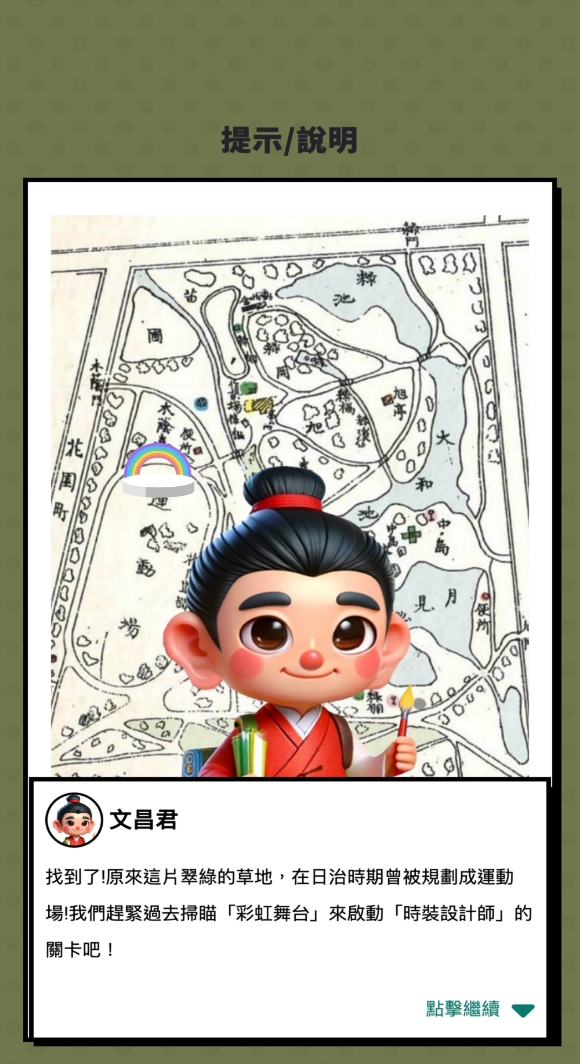
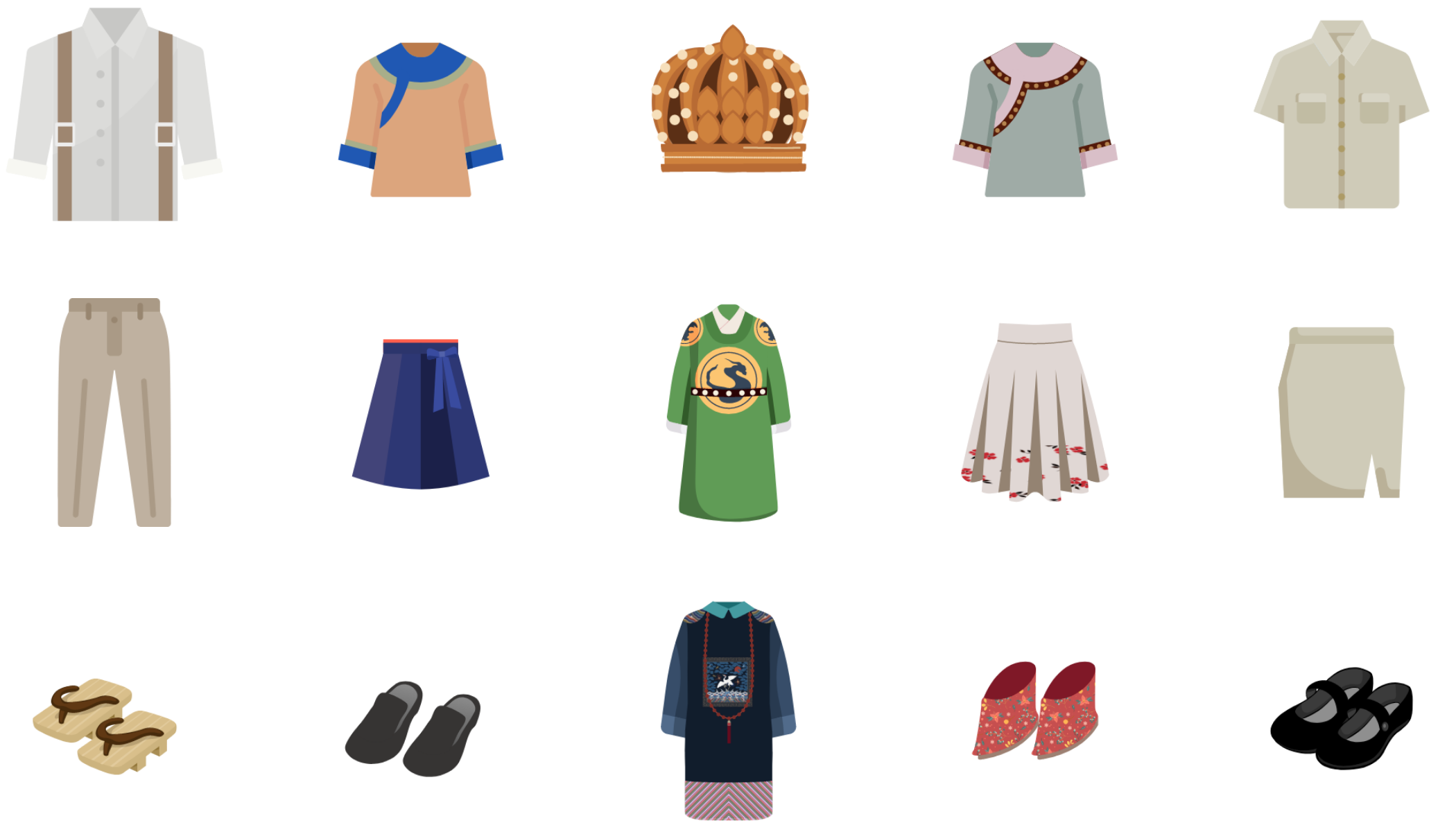
The Historical Progression of Clothing
Players can collect elements and utilize the innovative power of AI to create cross-generation personalized fashion masterpieces.
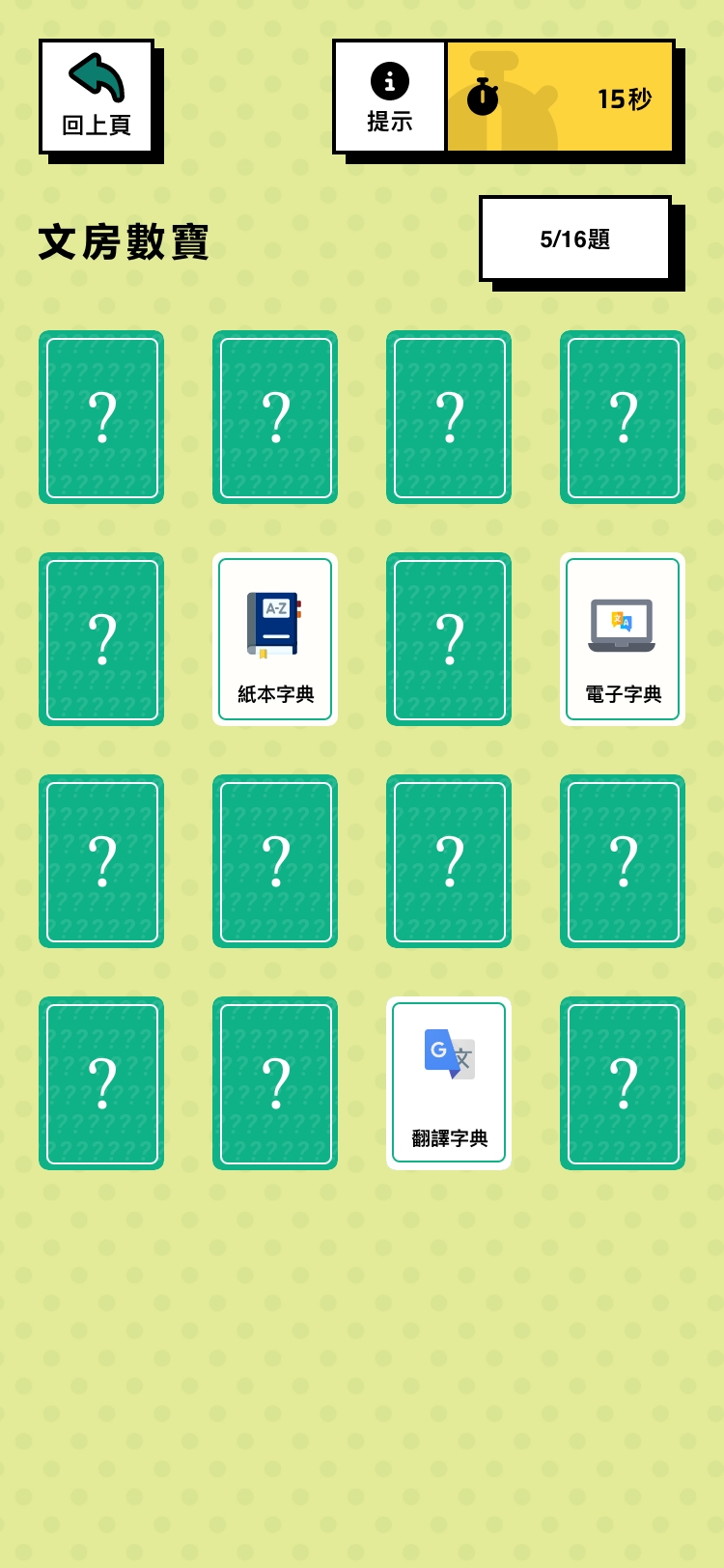
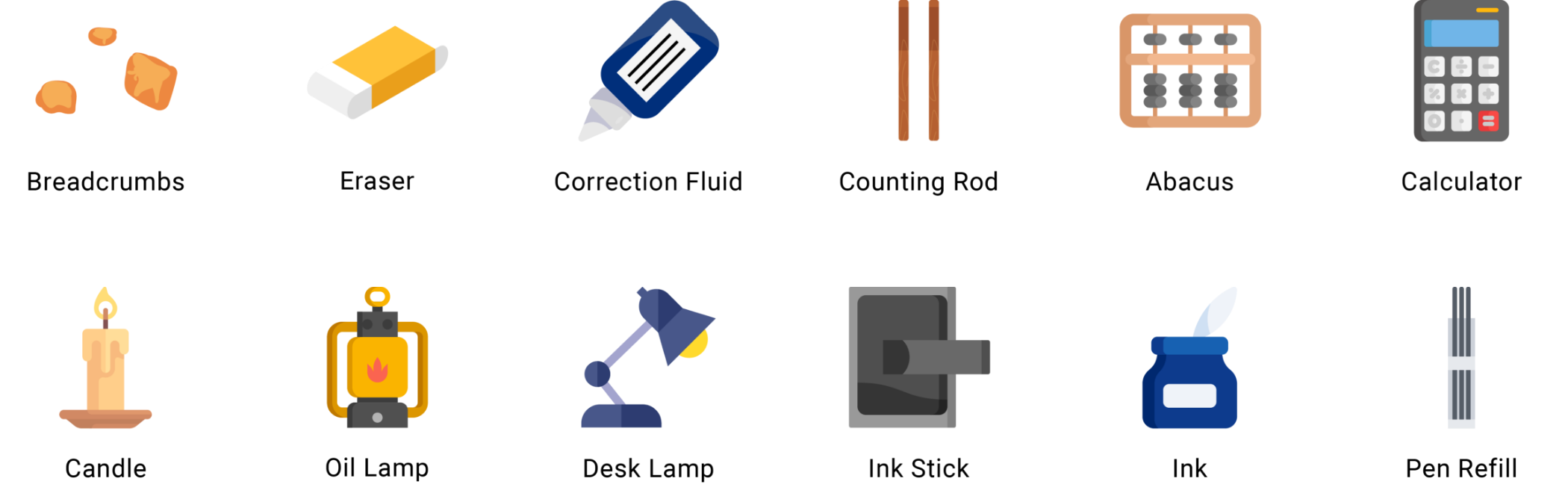
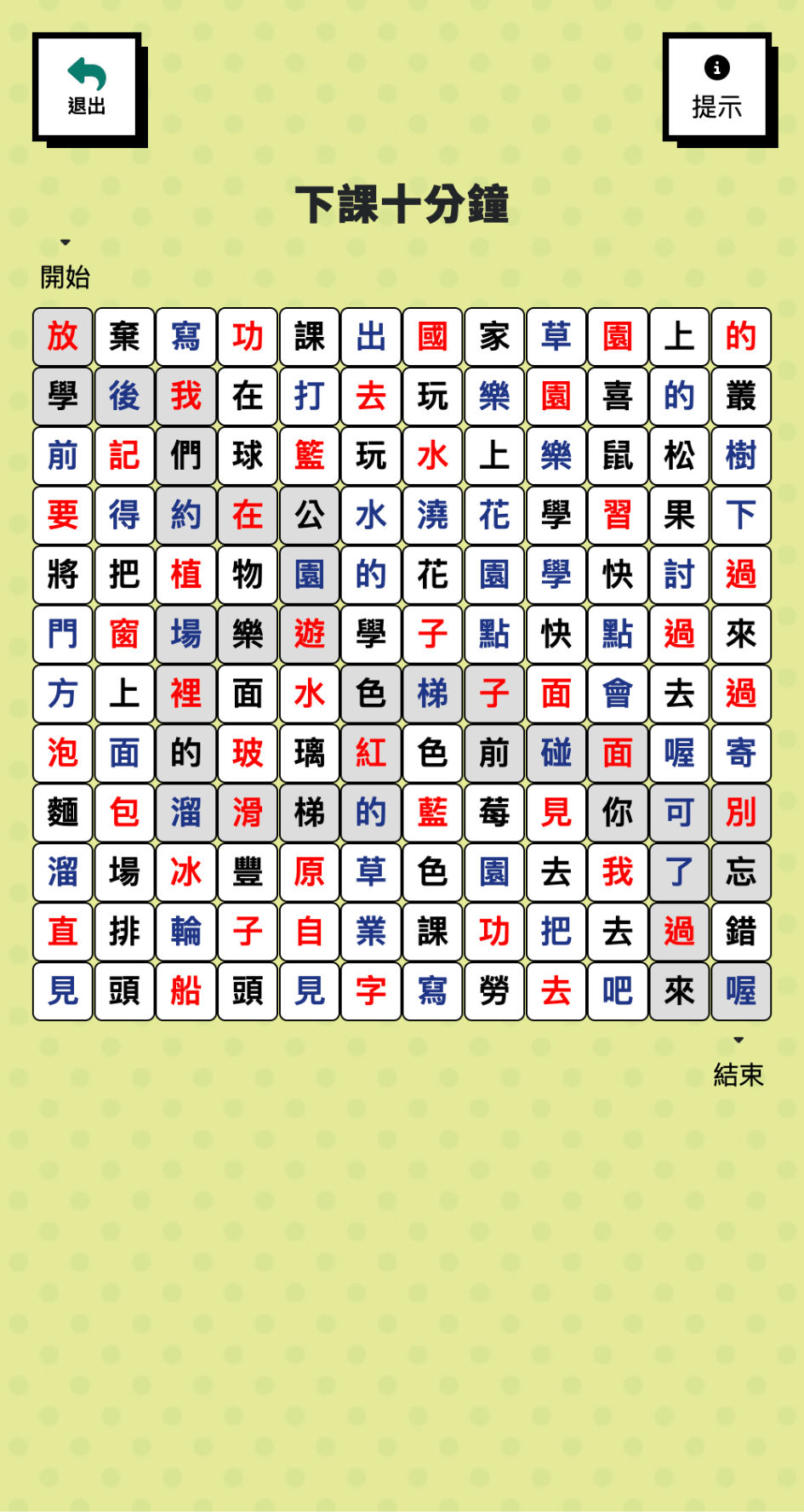
Stationery Matching
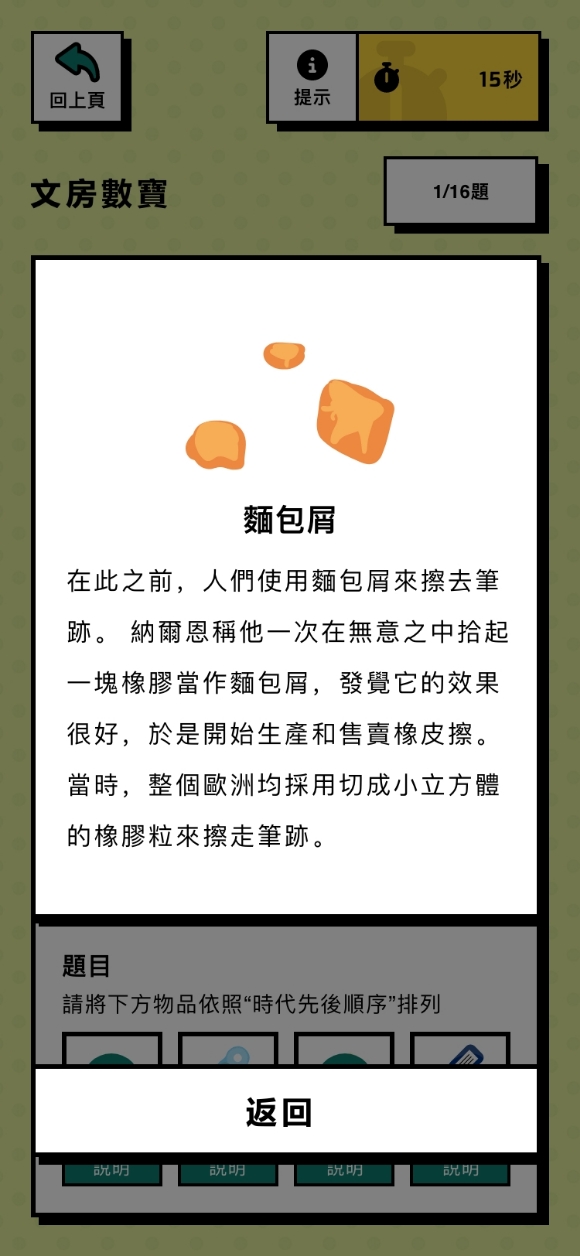
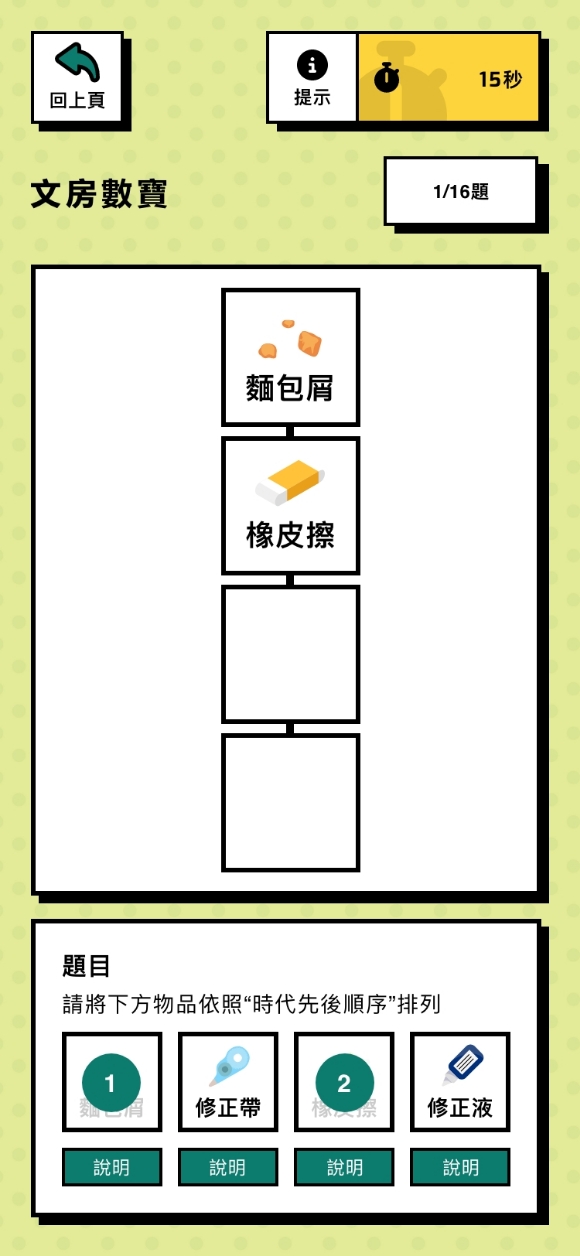
Discover the pairing of ancient and modern stationery. Learn about the history of stationery.
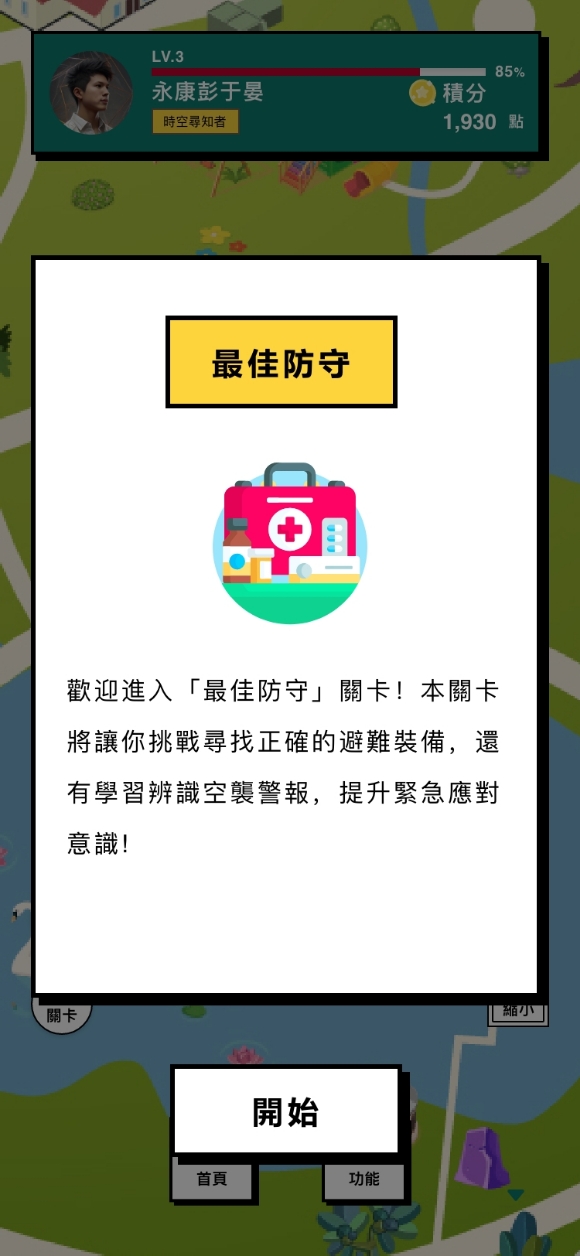
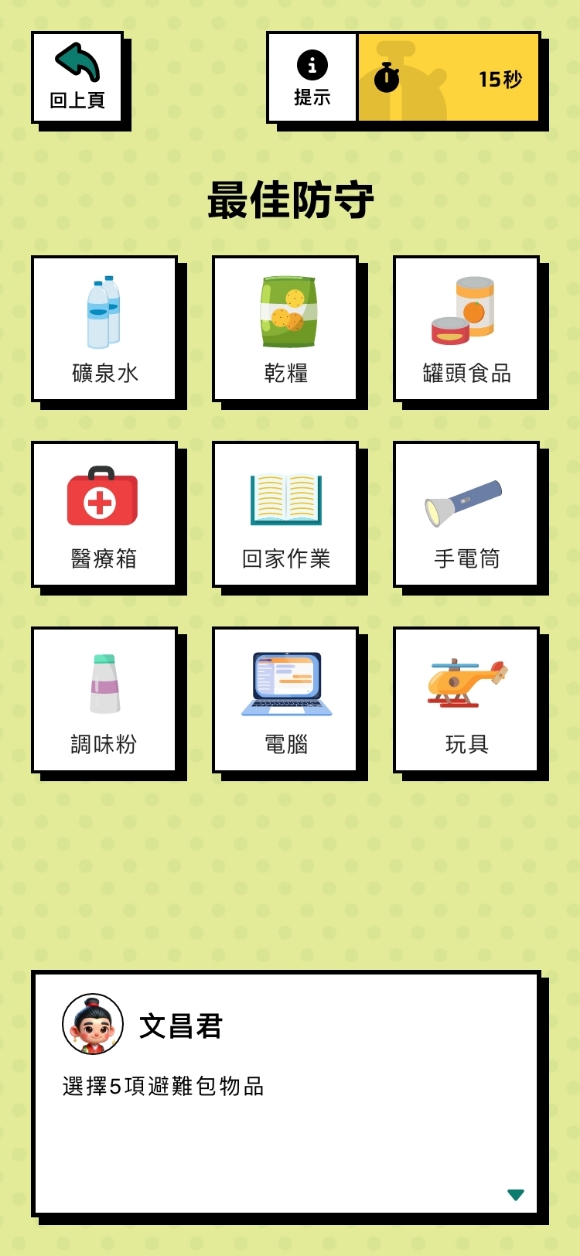
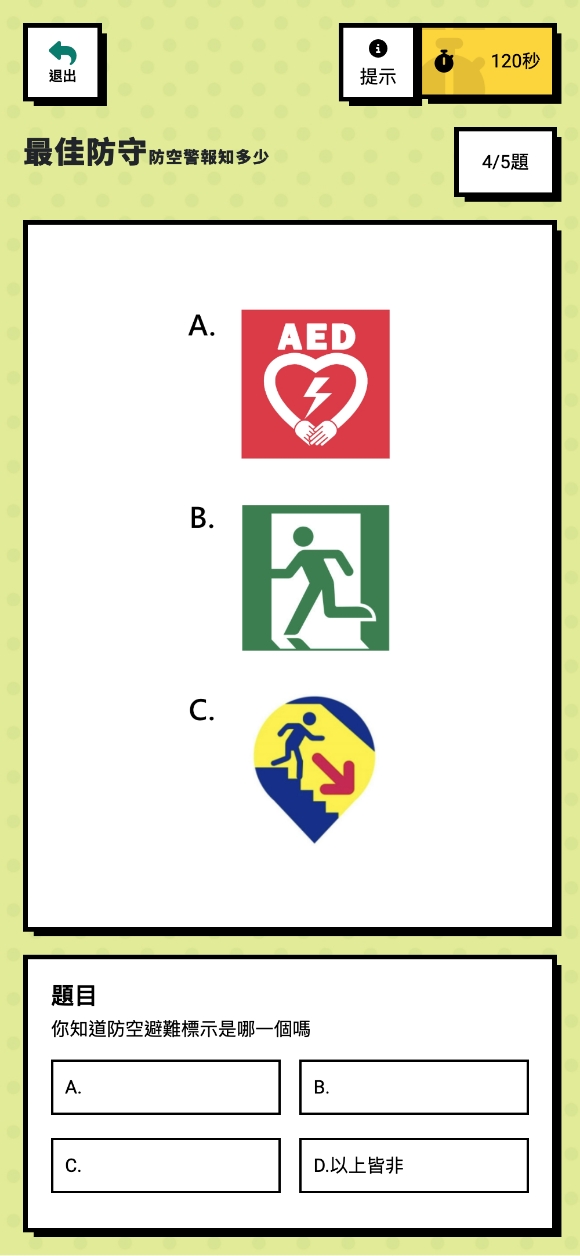
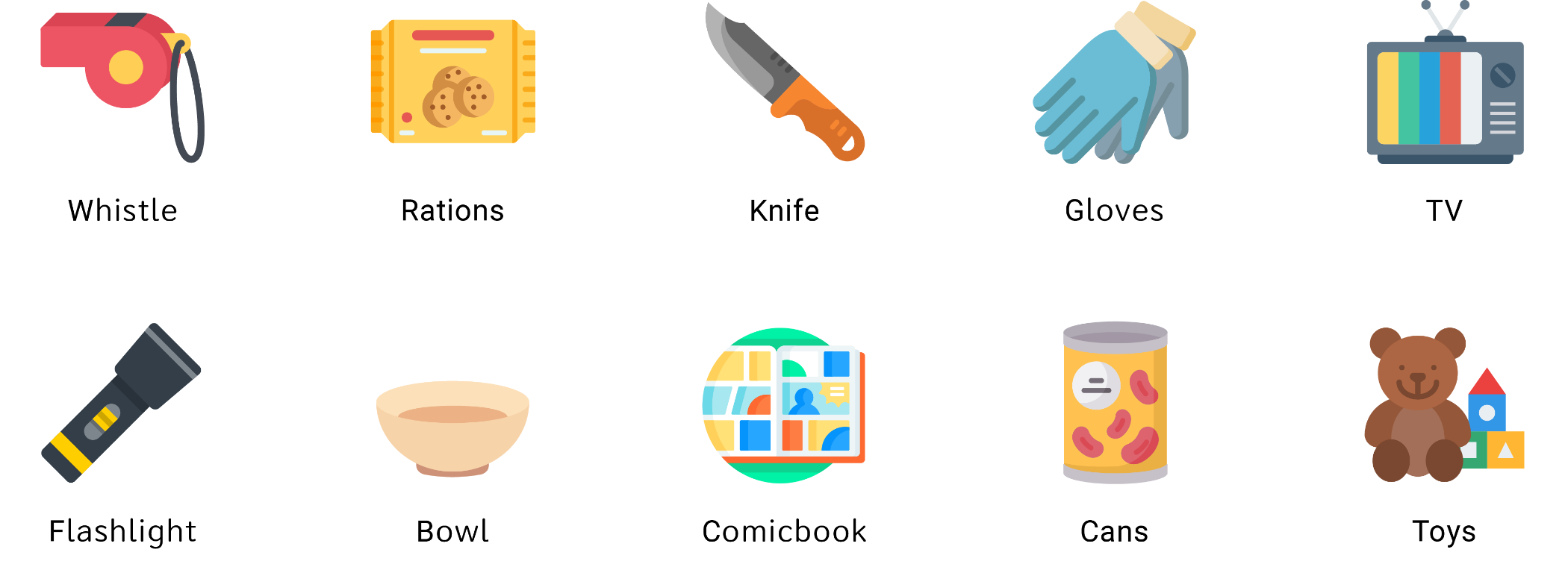
First Aid Kit
Recognize air raid warnings, find the right equipment, and raise your awareness of emergency response. Learn what to prepare for in an emergency by playing a quiz.
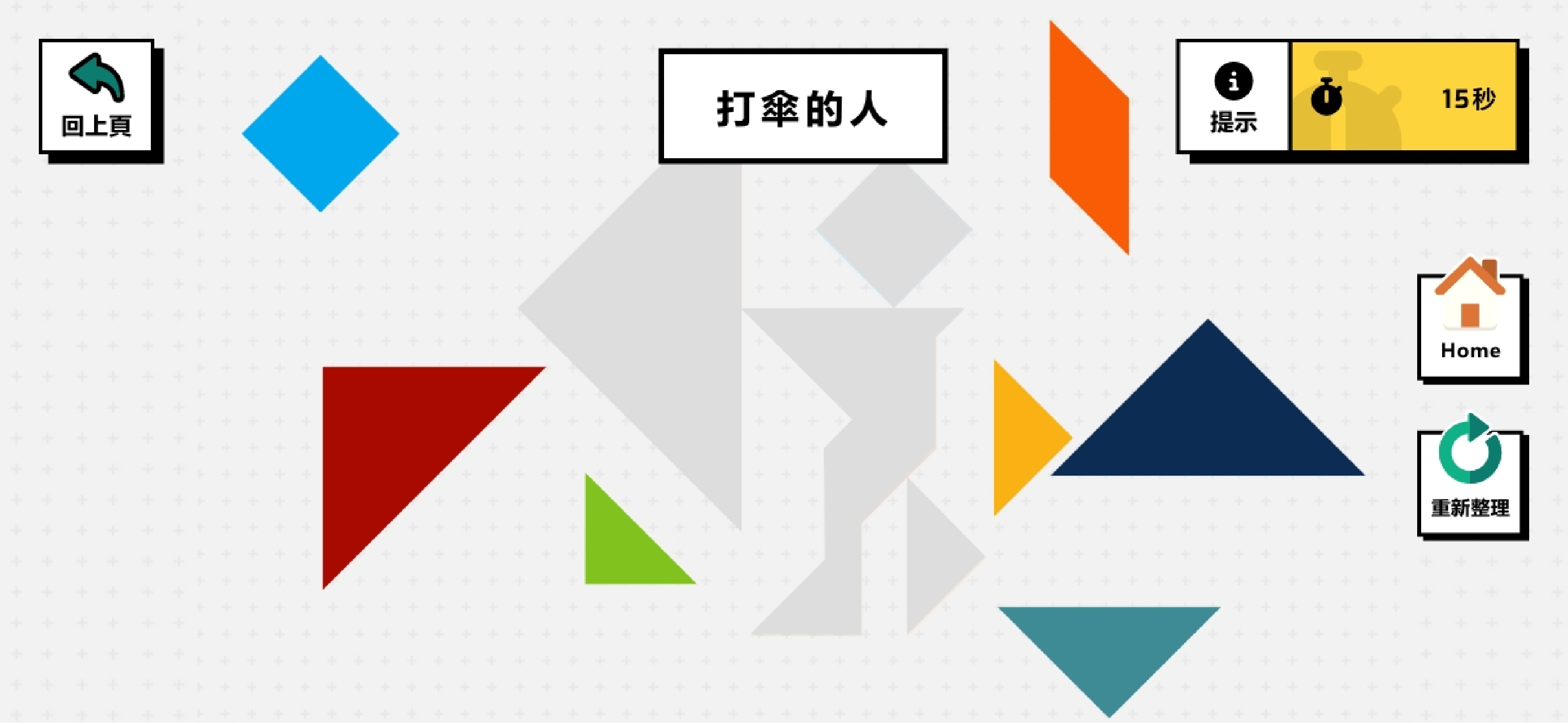
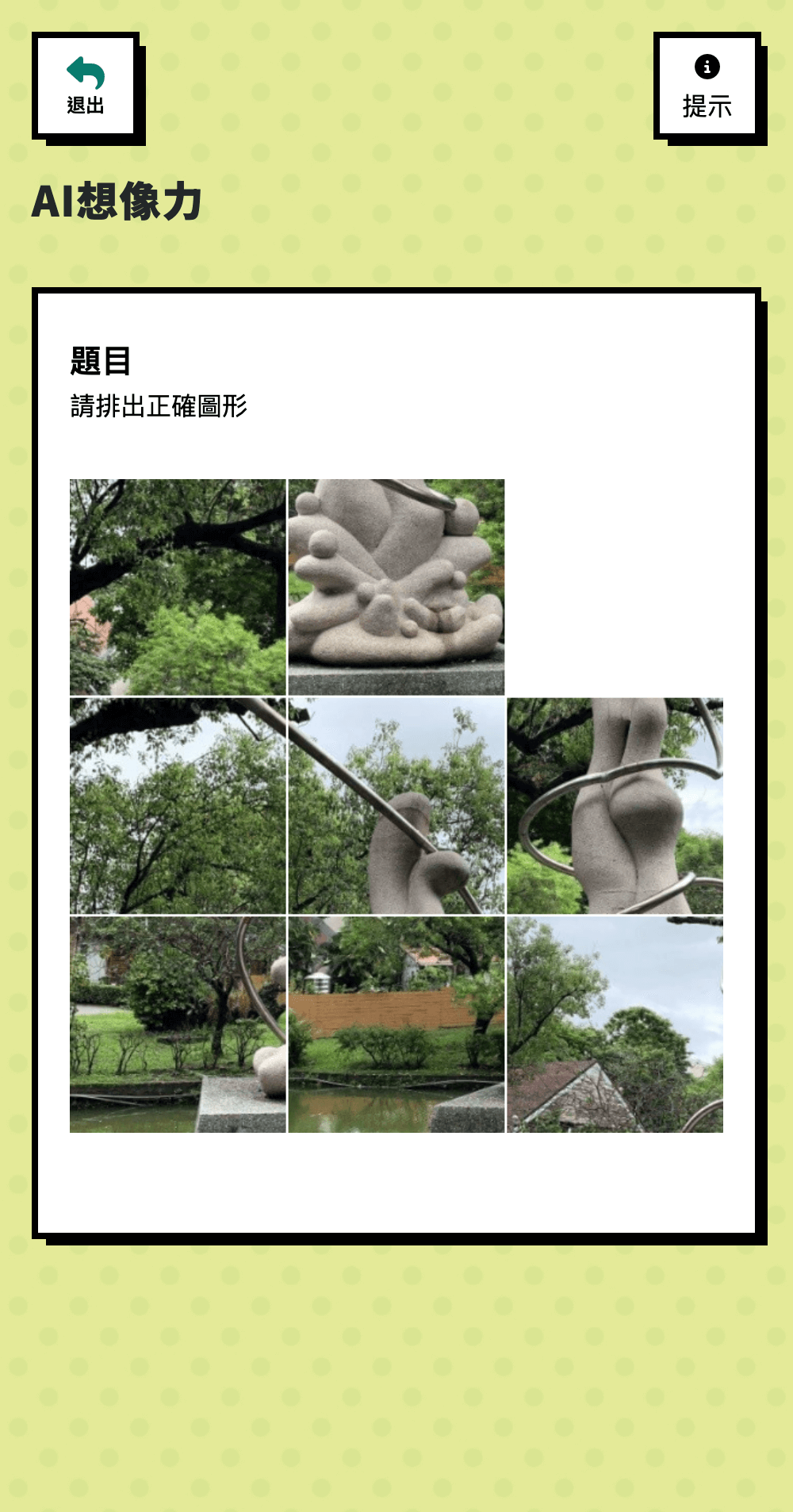
Tangram Meeting
Challenge the ancient Tangram and combine them into specific shapes within the time limit, testing your spatial imagination, logical thinking, and problem-solving skills.
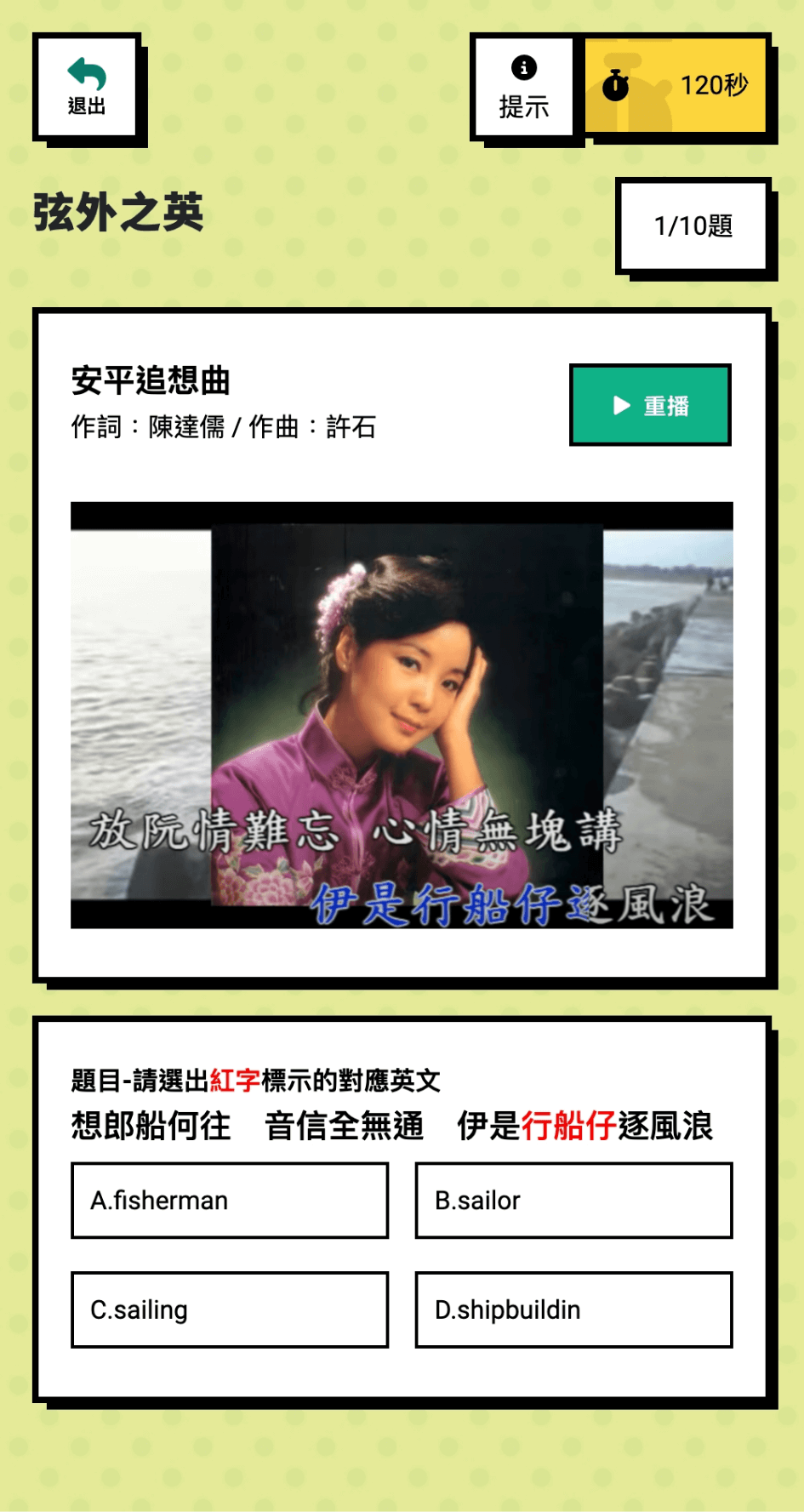
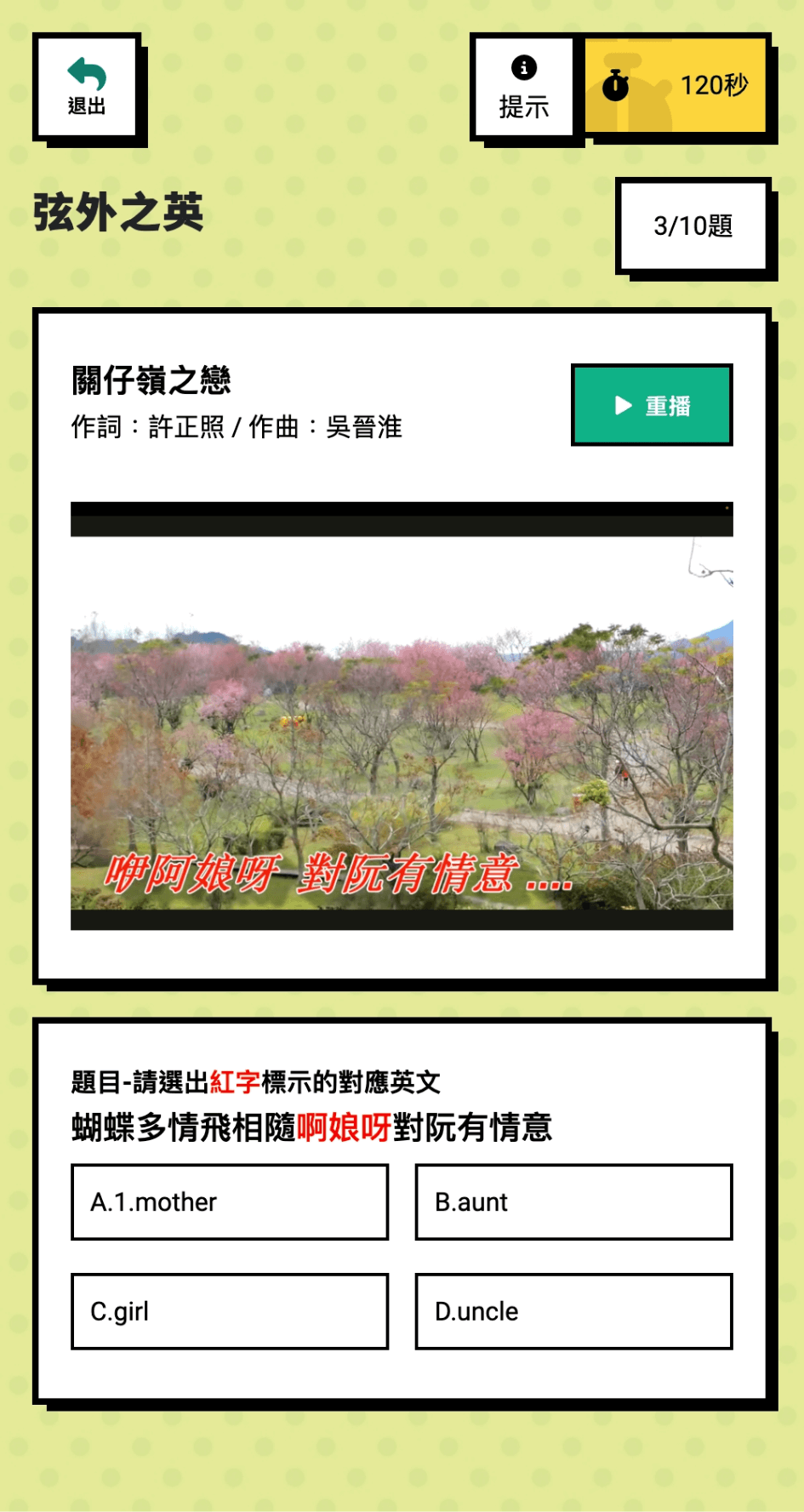
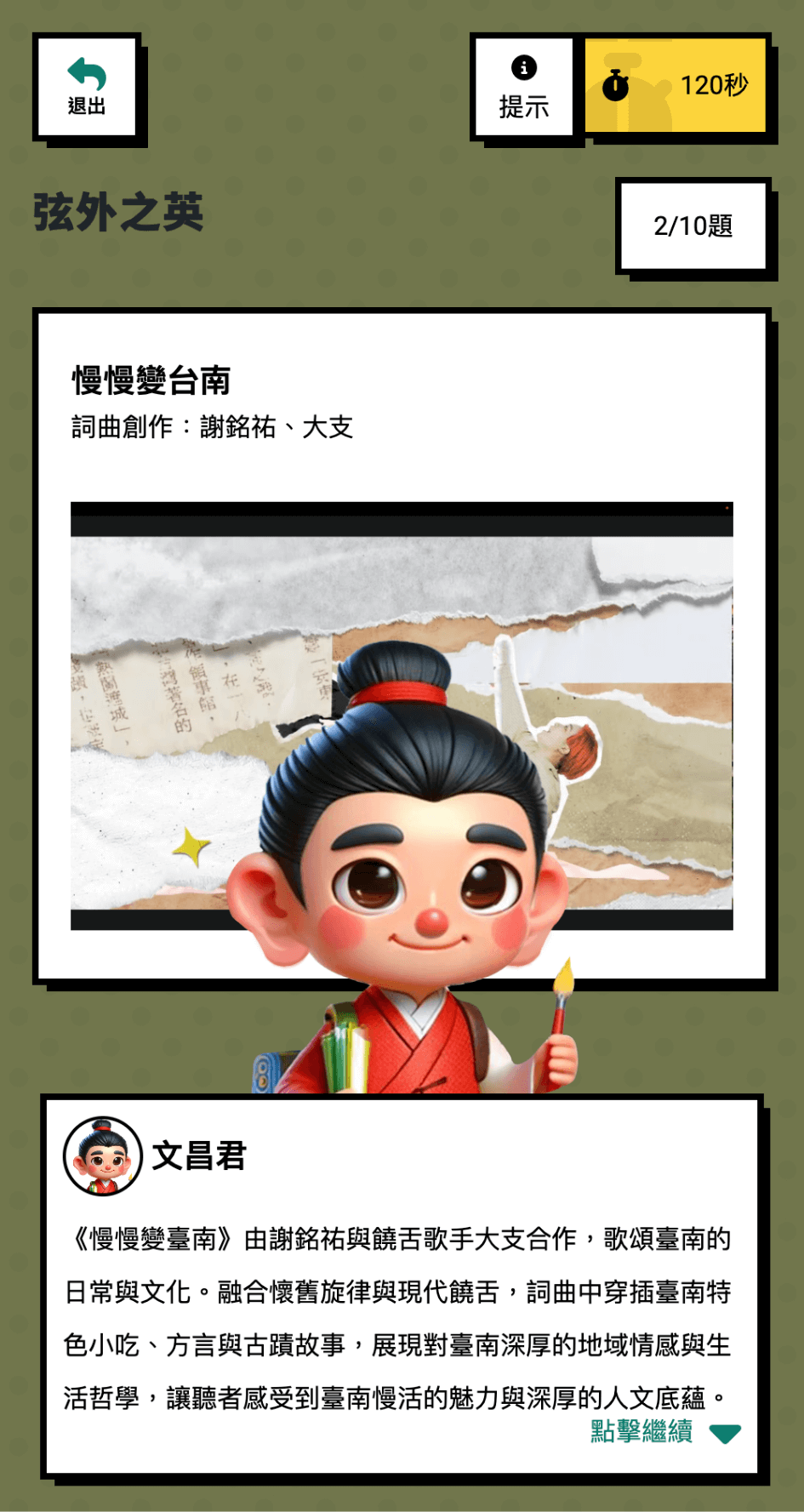
Taiwan’s Historical Songs
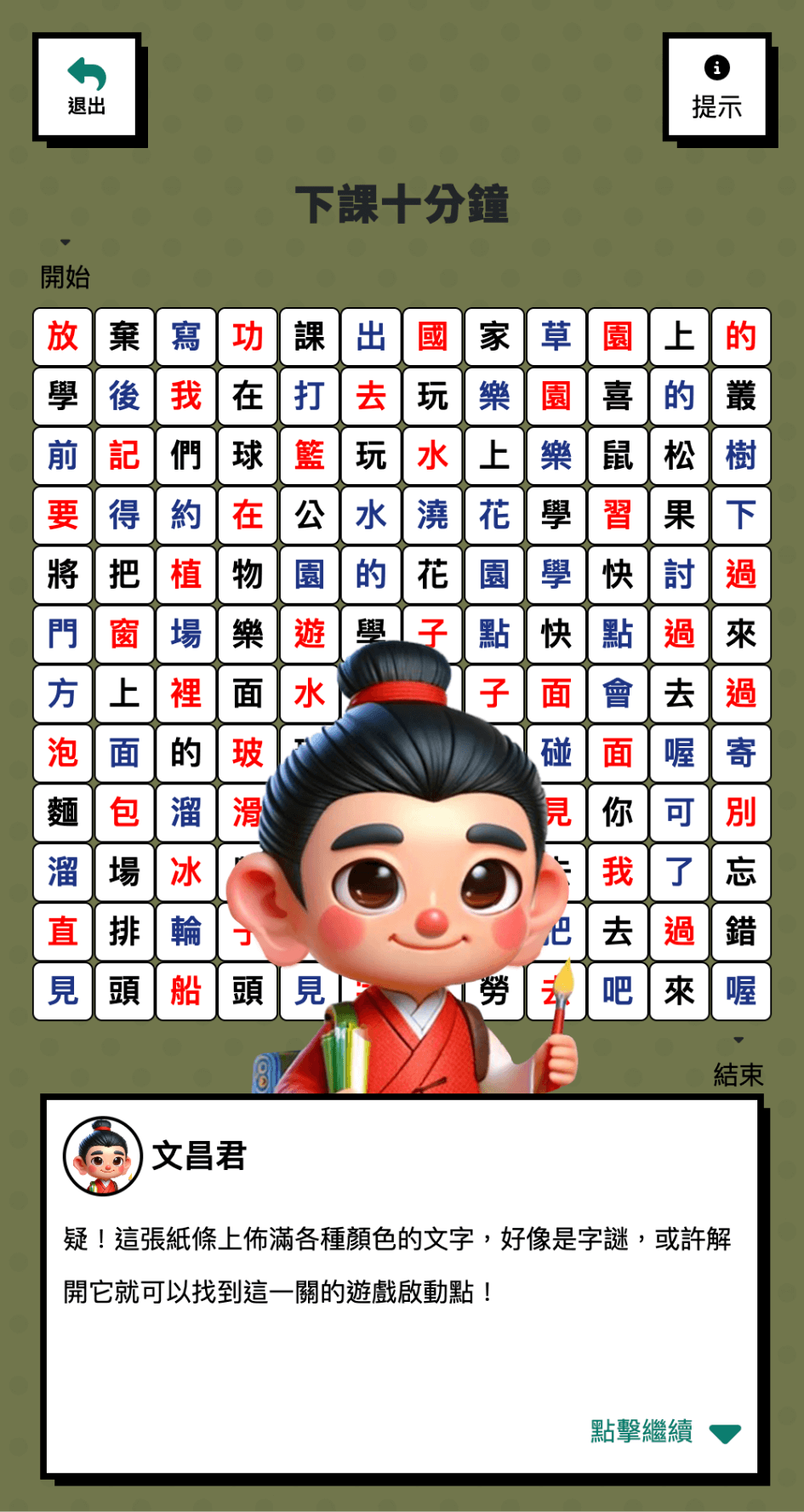
Listen to songs with a Taiwan flavor and challenge yourself to find the correct meaning from the lyrics.
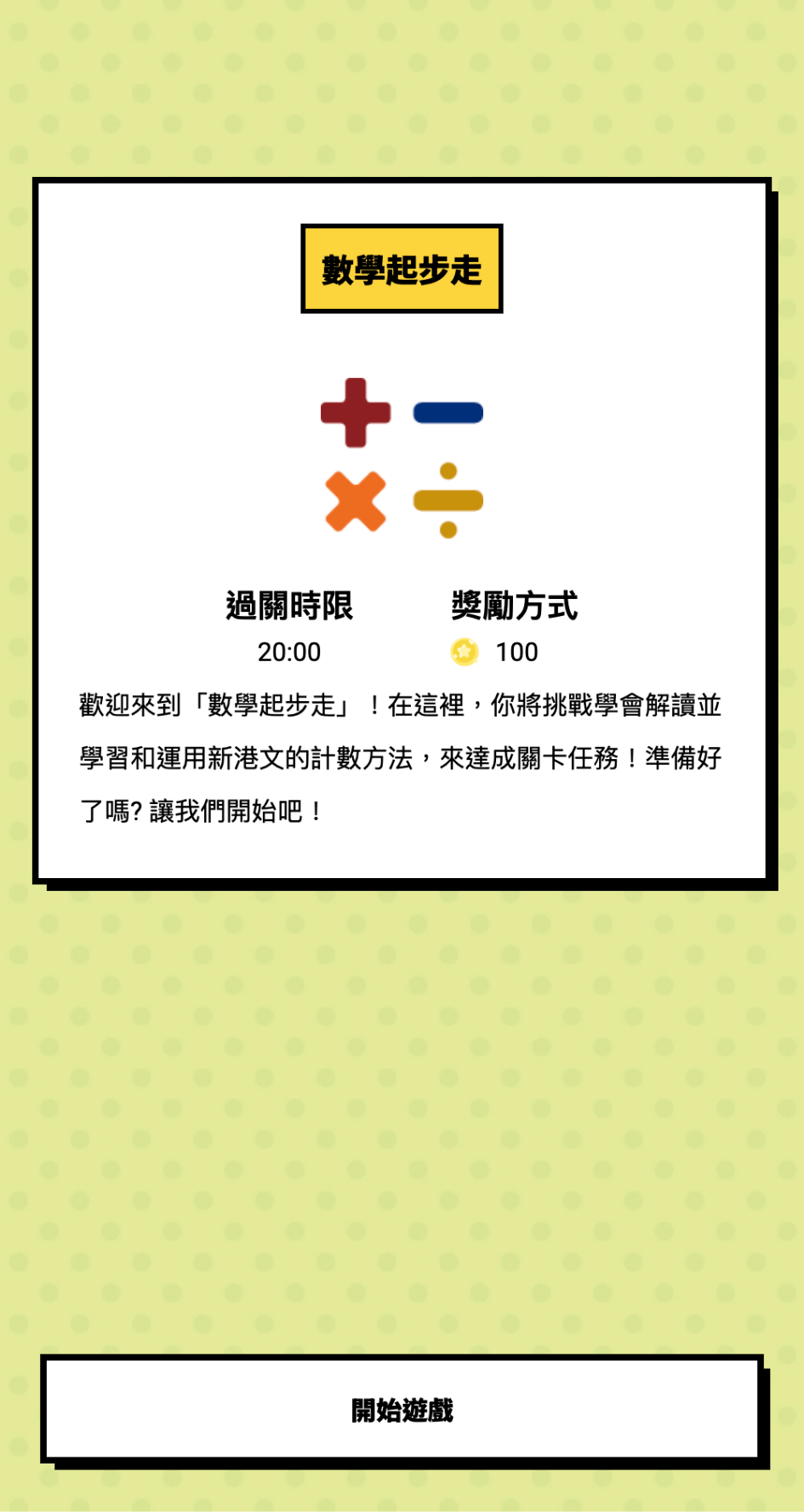
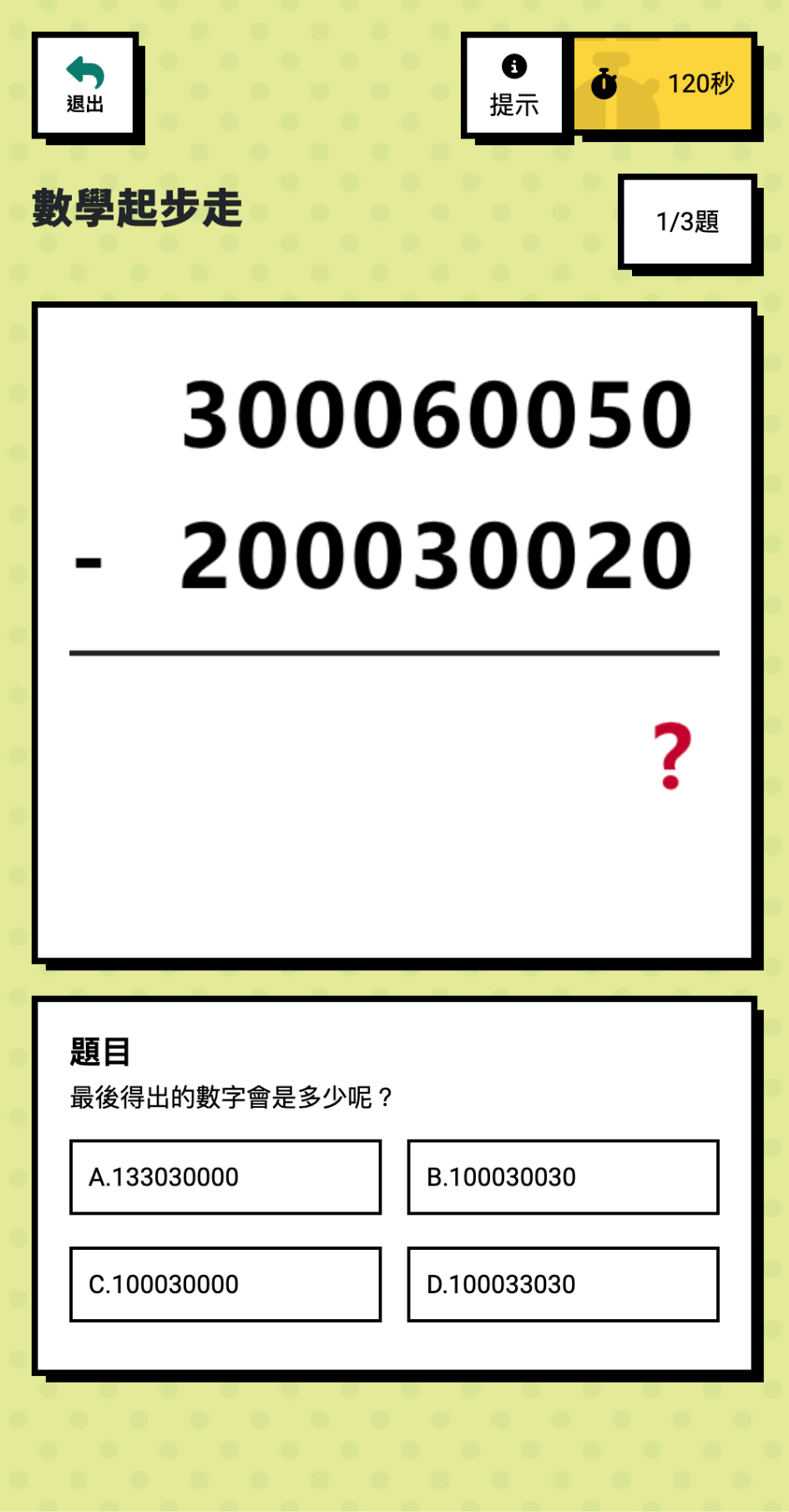
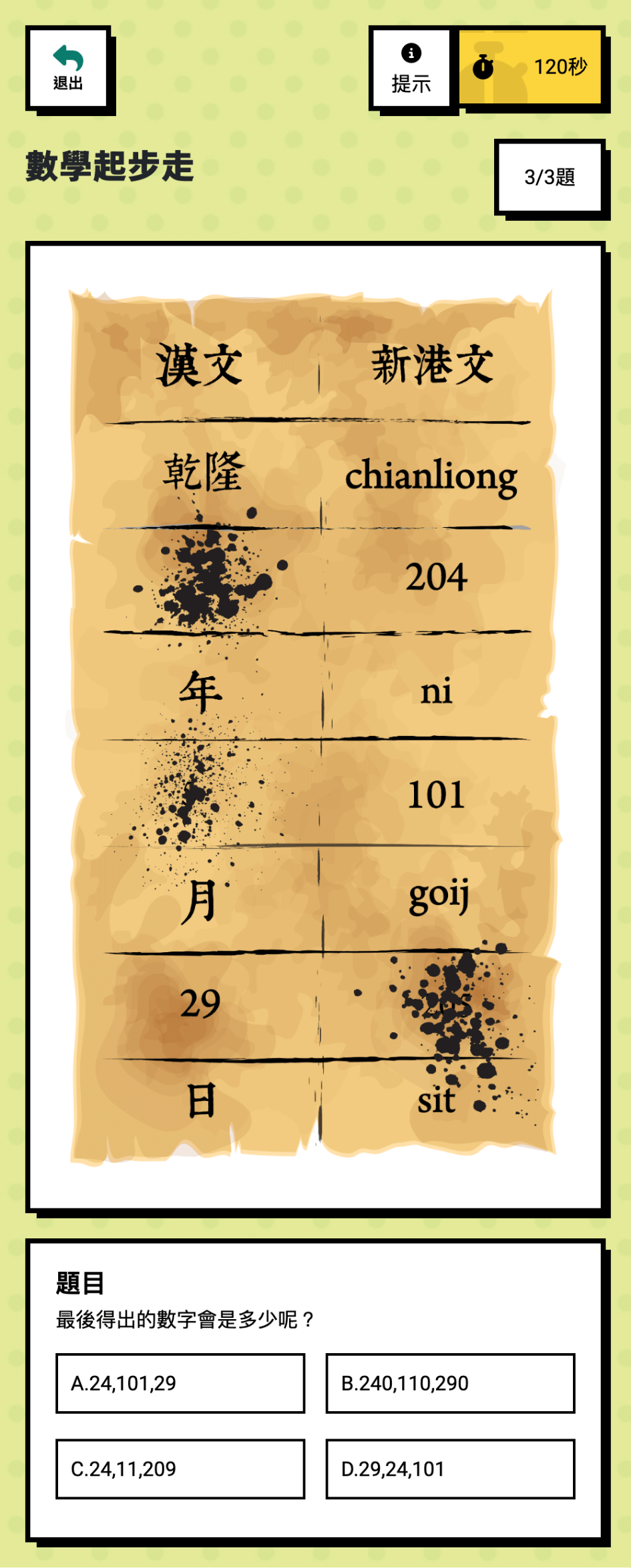
Walking in Mathematics World
During the Dutch rule period (1624-1662), Dutch missionaries in Taiwan used the Roman alphabet to compile a dictionary of the aboriginal language for evangelism and assist in administrative affairs. They used the Roman alphabet to teach the local people to write their language, which was the Sinkang language. The Sinkang language was later used primarily in contract documents called “Sinkang Manuscripts.” Although Sinkang adopted the Latin alphabet and Arabic numerals, it did not adopt a numeral correspondence system. For example, in Sinkang Manuscripts, “365” is written as 300605 (300-60-5). The level’s primary purpose is to let players understand the application of Sinkang Manuscripts at that time.
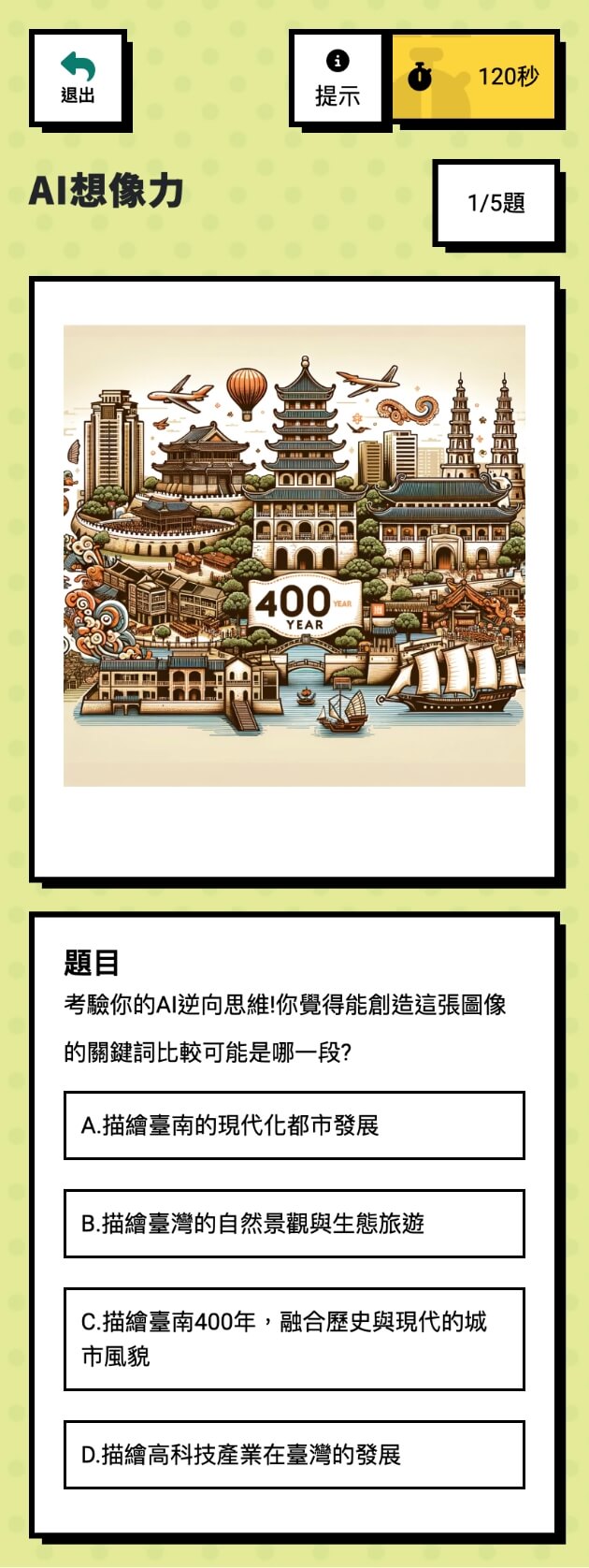
AI Imagination
AI generates images to select the keywords that best match the image.
GAME CHARCTER
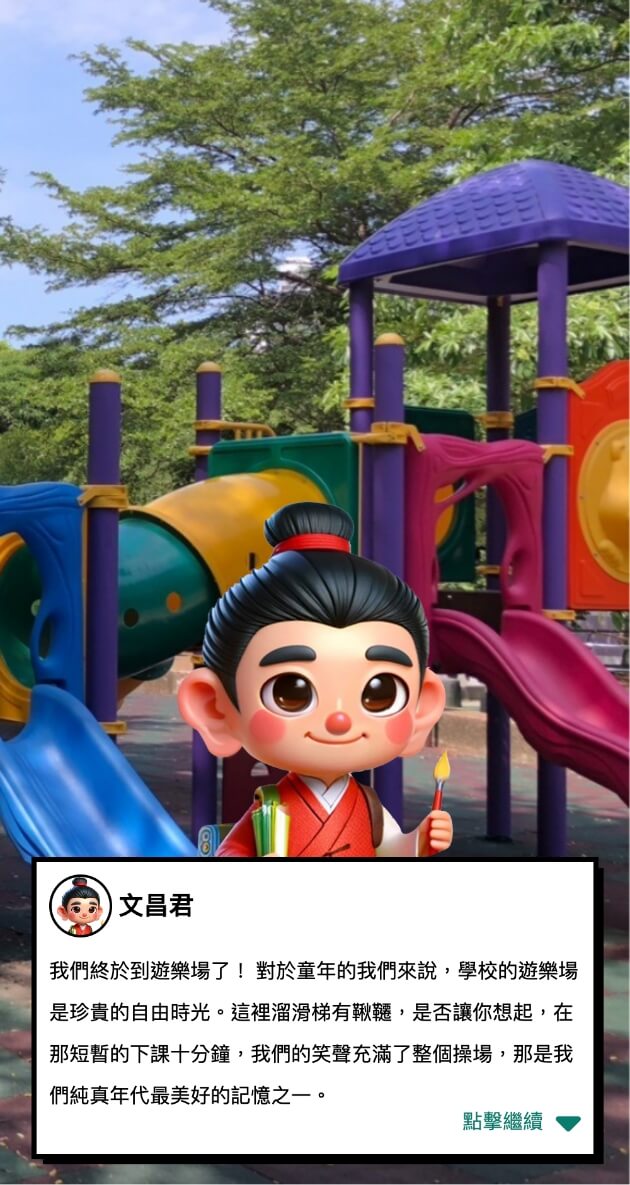
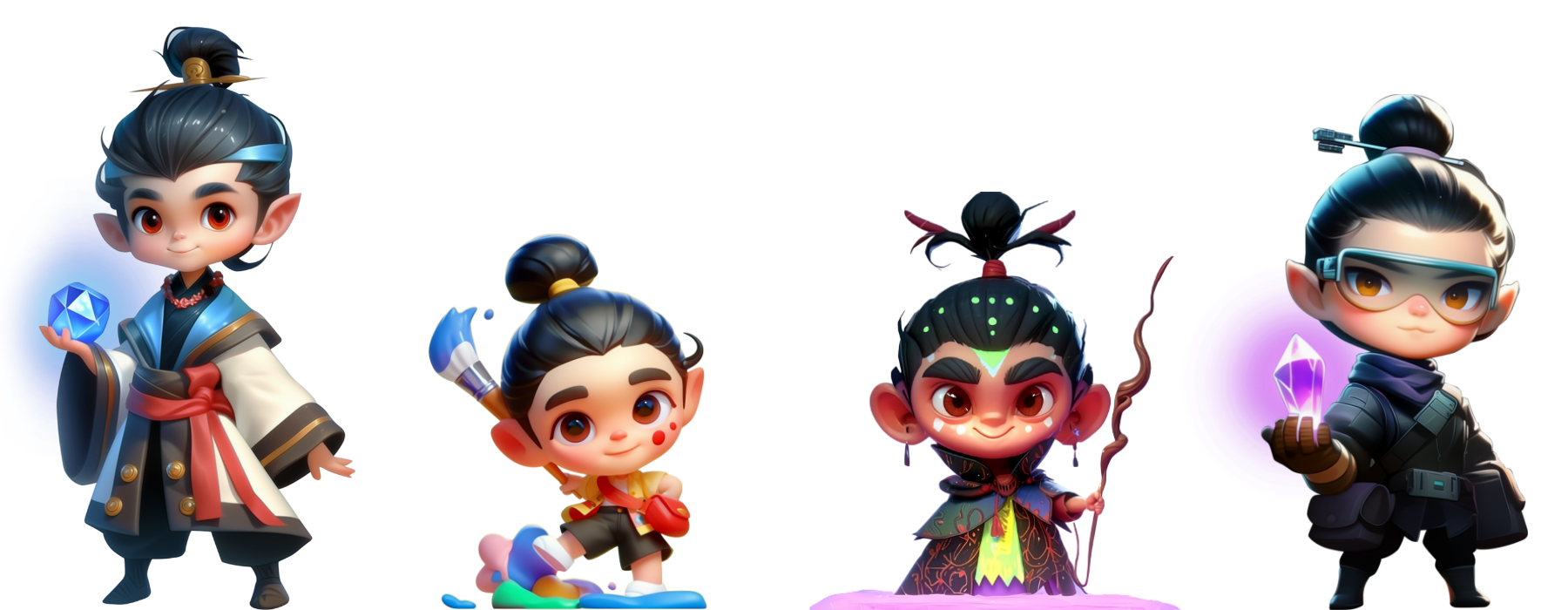
The game features helpful sprite guides. These charming characters enhance player motivation and emotional engagement.
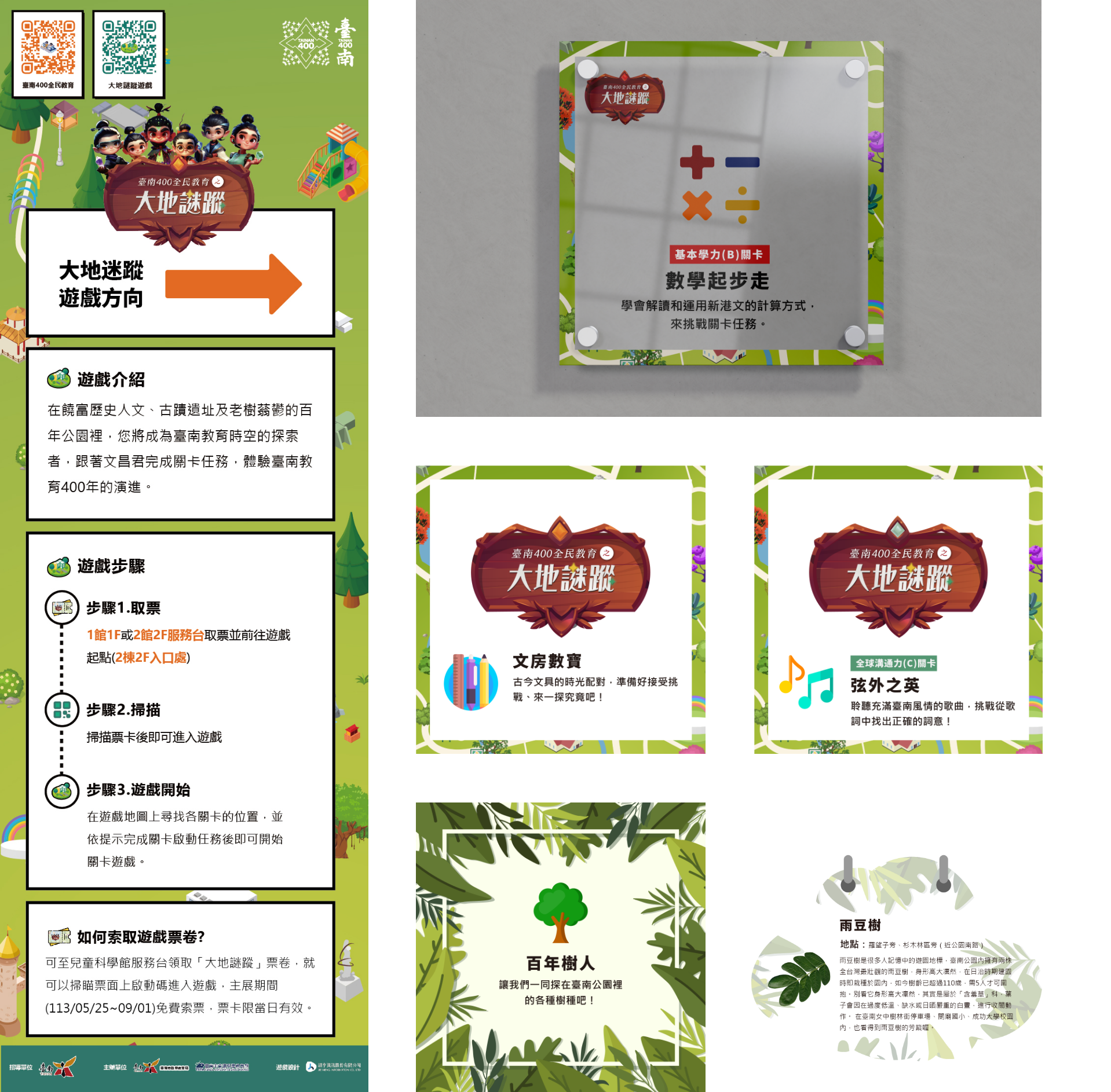
OTHER DESIGN
Reflection
- Real-world constraints shape interaction design: GPS, network issues, and outdoor interference directly affect how tasks trigger, how flows work, and how feedback reaches users. Early on, these felt like edge cases. By the end, they were central to nearly every design decision. Building in redundant prompts and simplifying interactions weren’t optional; they were what made the product actually work in the field.
- Client and educator feedback drives real change: The initial interaction model seemed solid until we demoed it. The client and educators pointed out that the flow didn’t match how users actually engage with learning tasks. That pushed us into one of the bigger pivots of the project, rethinking the interaction model under a tight timeline while keeping the experience coherent. It pushed me to move faster and make cleaner trade-offs than I was used to.
- Keeping users motivated is something you have to actively design for: Reorganizing the task sequence and improving prompts made a real difference in how users moved through the experience. There is still room to push further, with more real-time guidance, more interaction variety, and ideally some small-scale field observation to see where users actually get stuck. This product has room to keep evolving, and that is something I would want to be part of.
This project gave me a clearer sense of what it takes to balance educational requirements, interactive experience, and real-world constraints, and how much UX decisions matter when the product is being used by kids in a park.